




Gallery
Overview
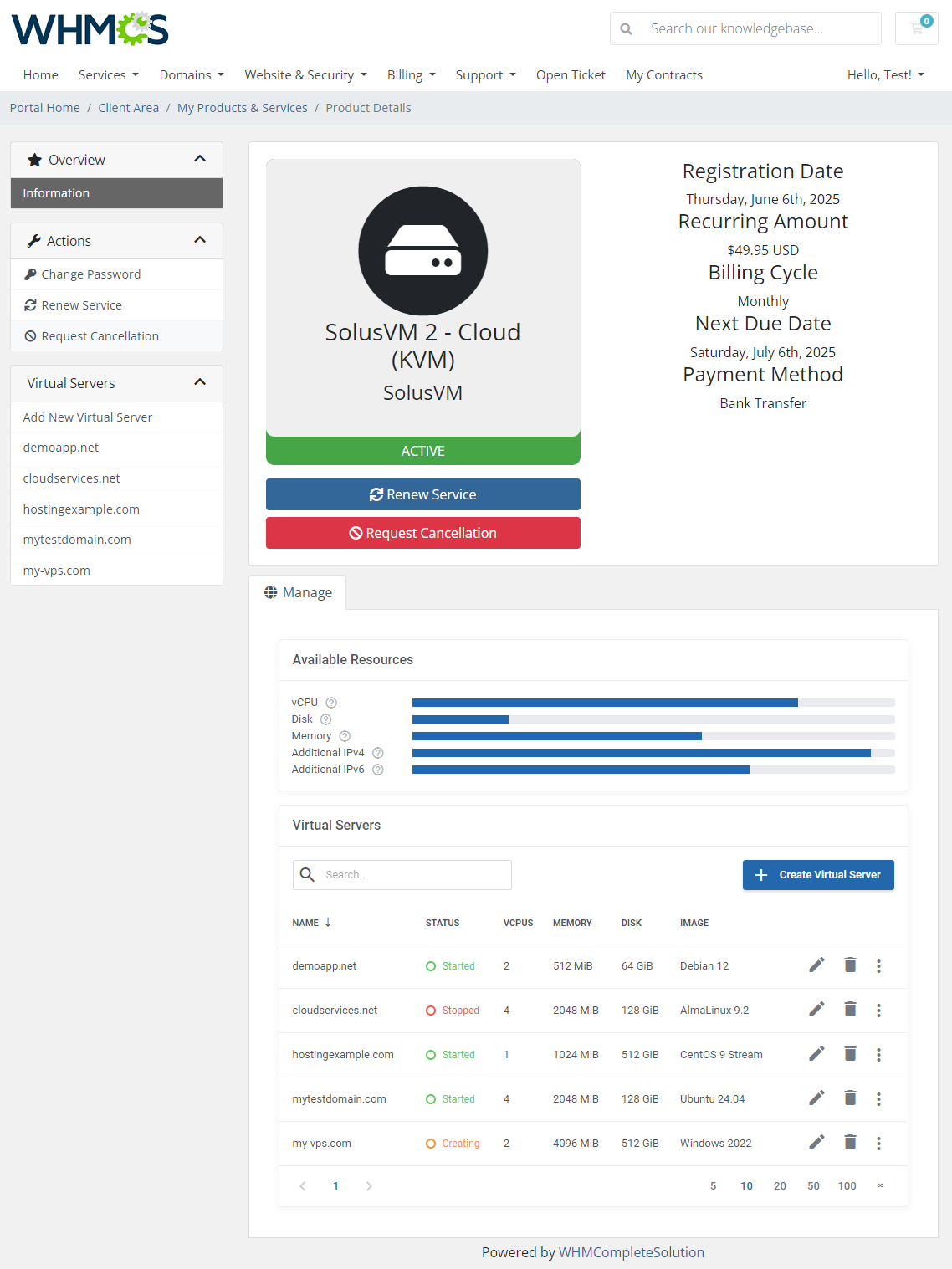
SolusVM 2 VPS & Cloud For WHMCS is a versatile module that gives you two practical options for provisioning virtual machines directly from your WHMCS - you can offer them as single VPS instances or as flexible sets of Cloud resources, allowing your clients to create servers of any number and size within defined limits.
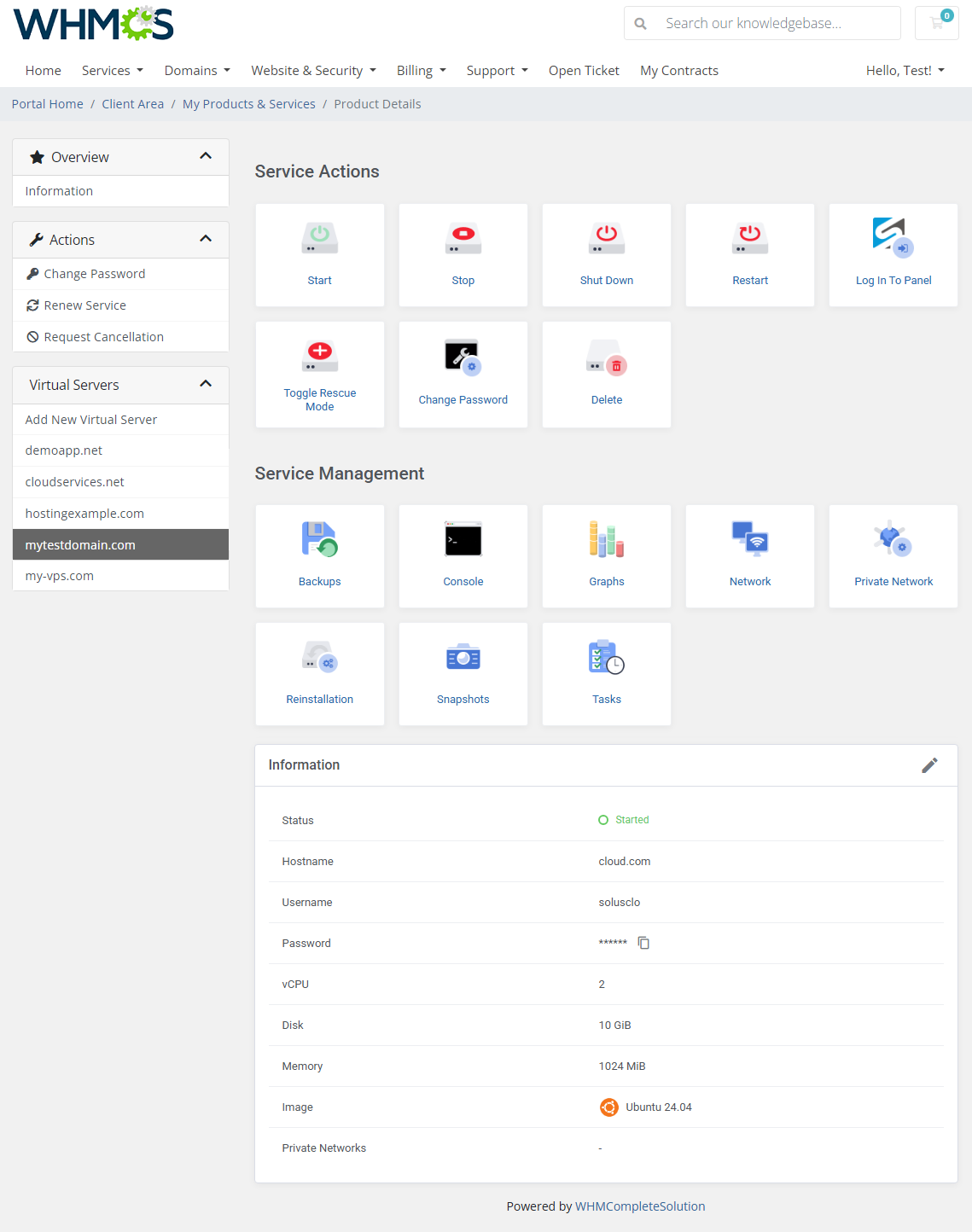
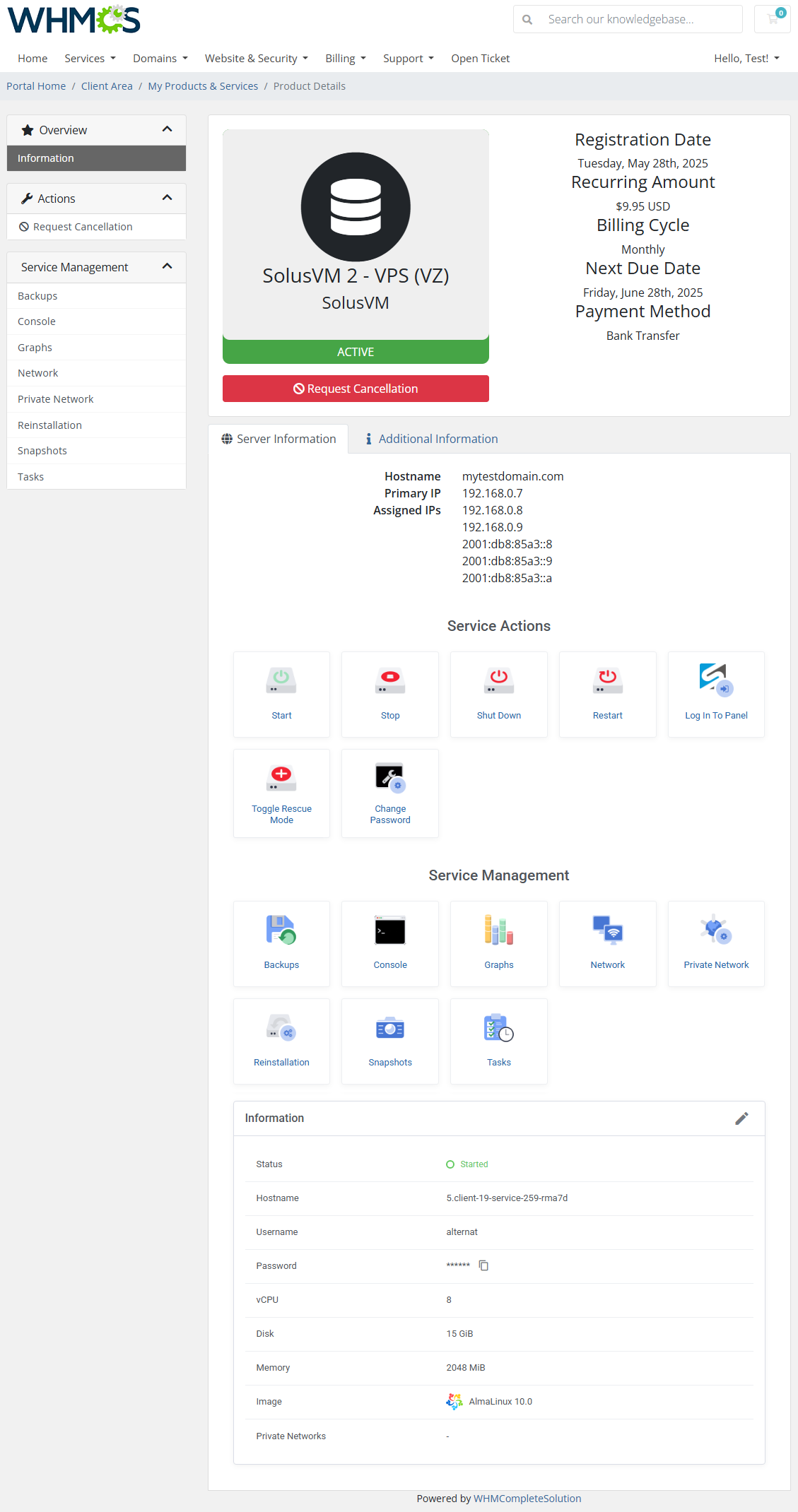
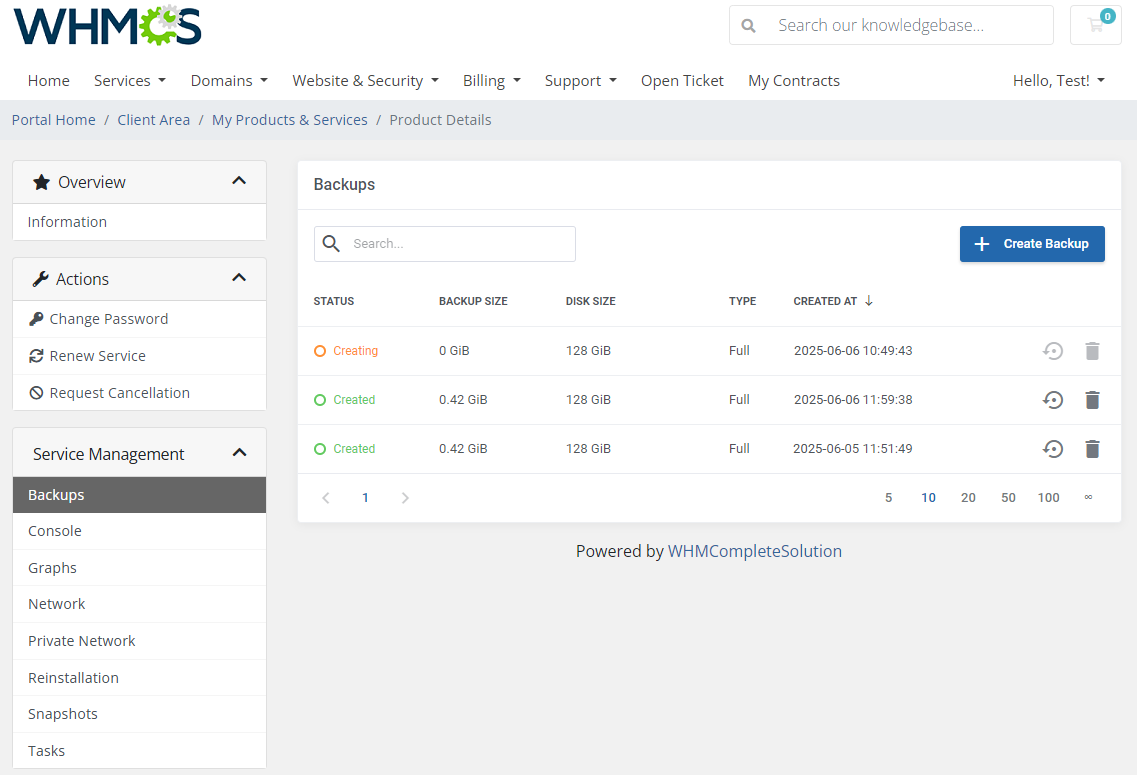
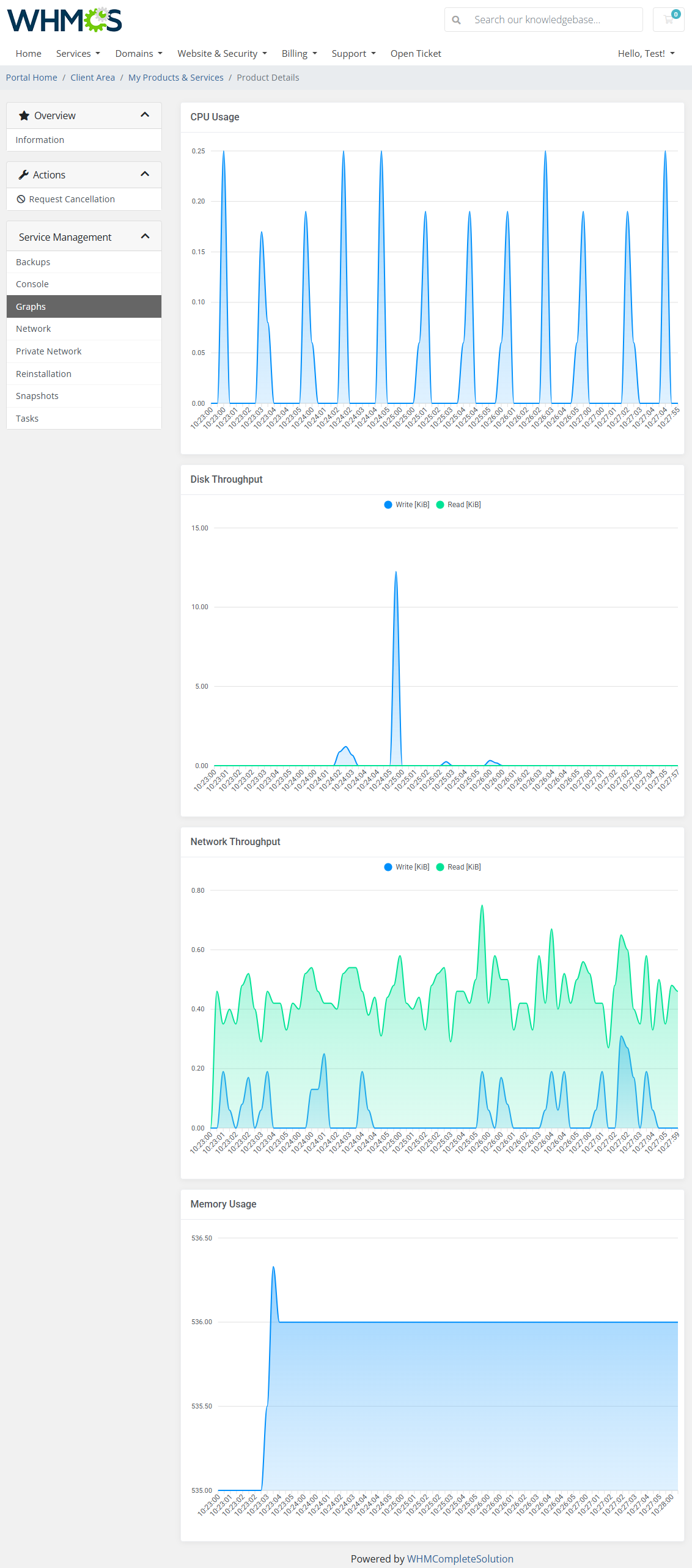
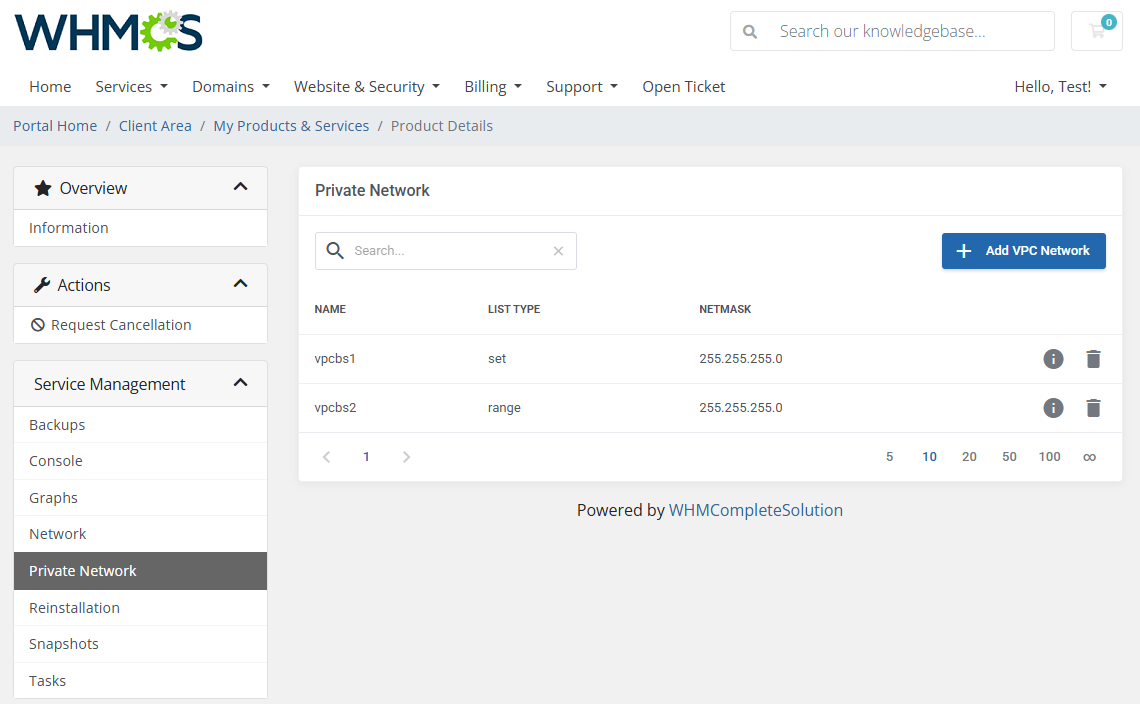
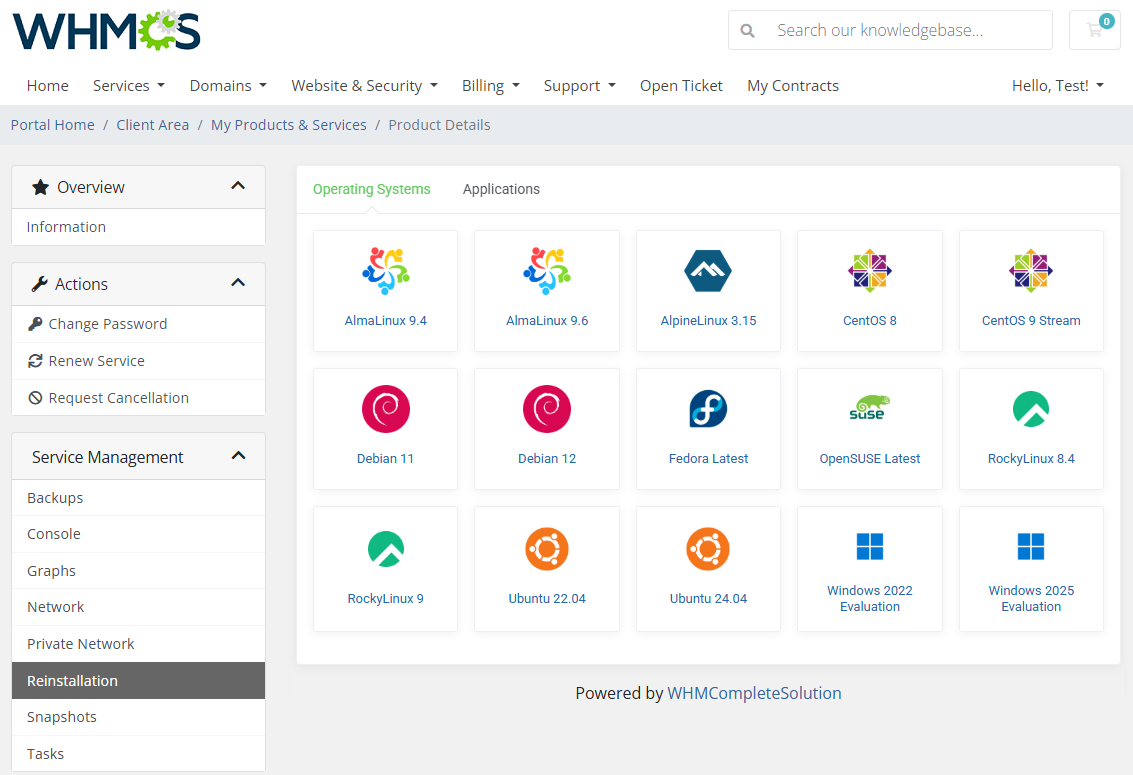
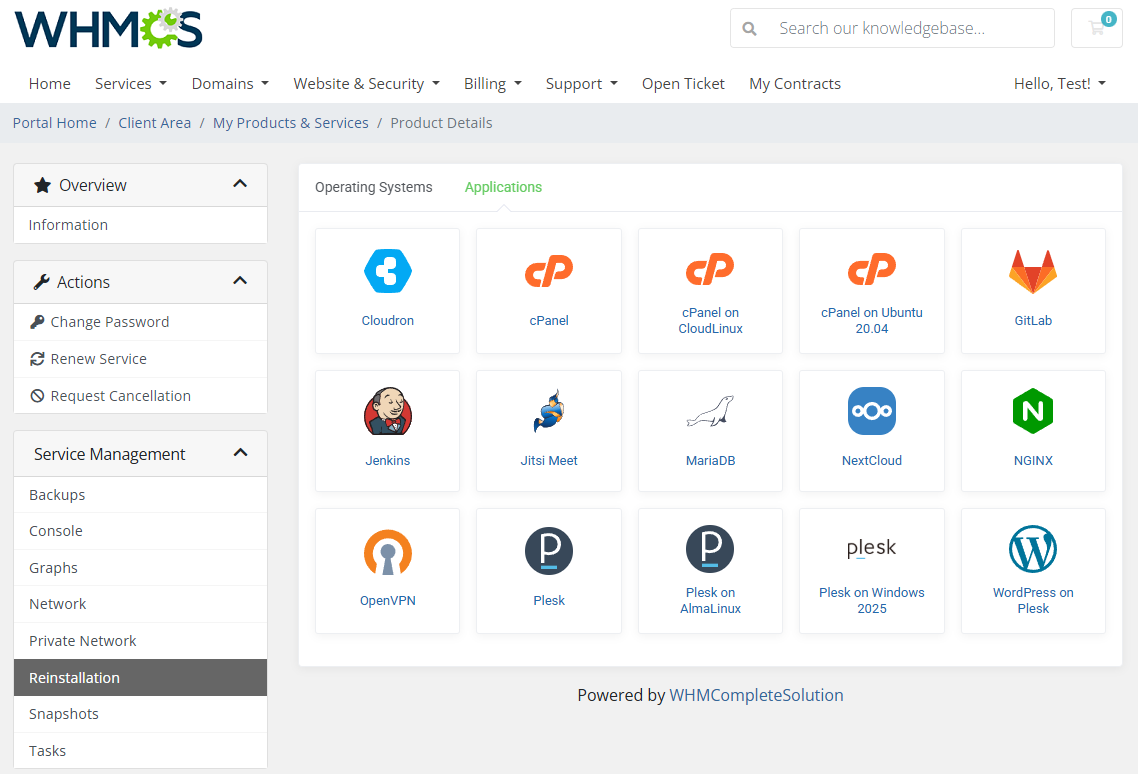
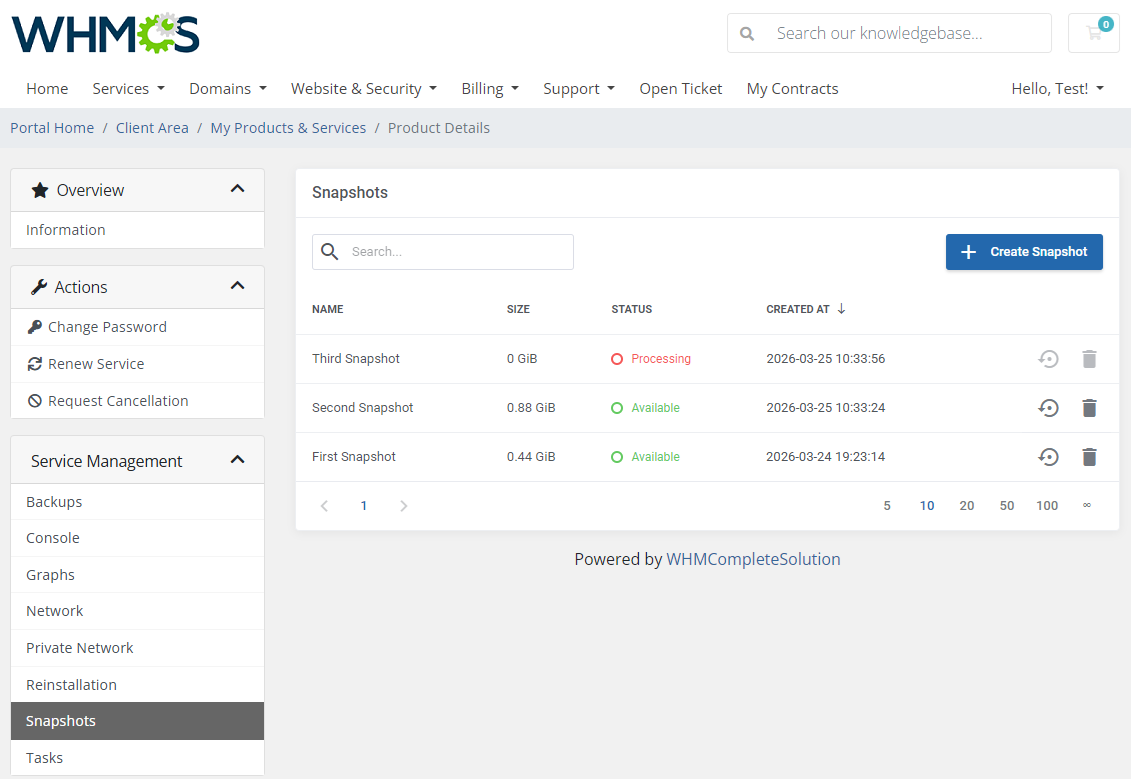
When customers order a server from you, they gain access to a collection of management tools designed for both quick actions and in-depth control. They can create and restore backups and snapshots, reinstall servers using operating systems or preconfigured applications, handle VPC networks, and access machines via the noVNC console. To support informed decisions, the client area also includes clear performance graphs showing CPU and memory usage, as well as disk and network throughput.
All of this comes with full oversight of performance on your side. To ensure fair resource allocation, SolusVM 2 VPS & Cloud For WHMCS lets you define disk I/O bandwidth and IOPS limits, available as configurable options for different service tiers. Network usage can be managed just as precisely, with bandwidth and traffic limits that support VM resizing and easy scaling as customer needs evolve.
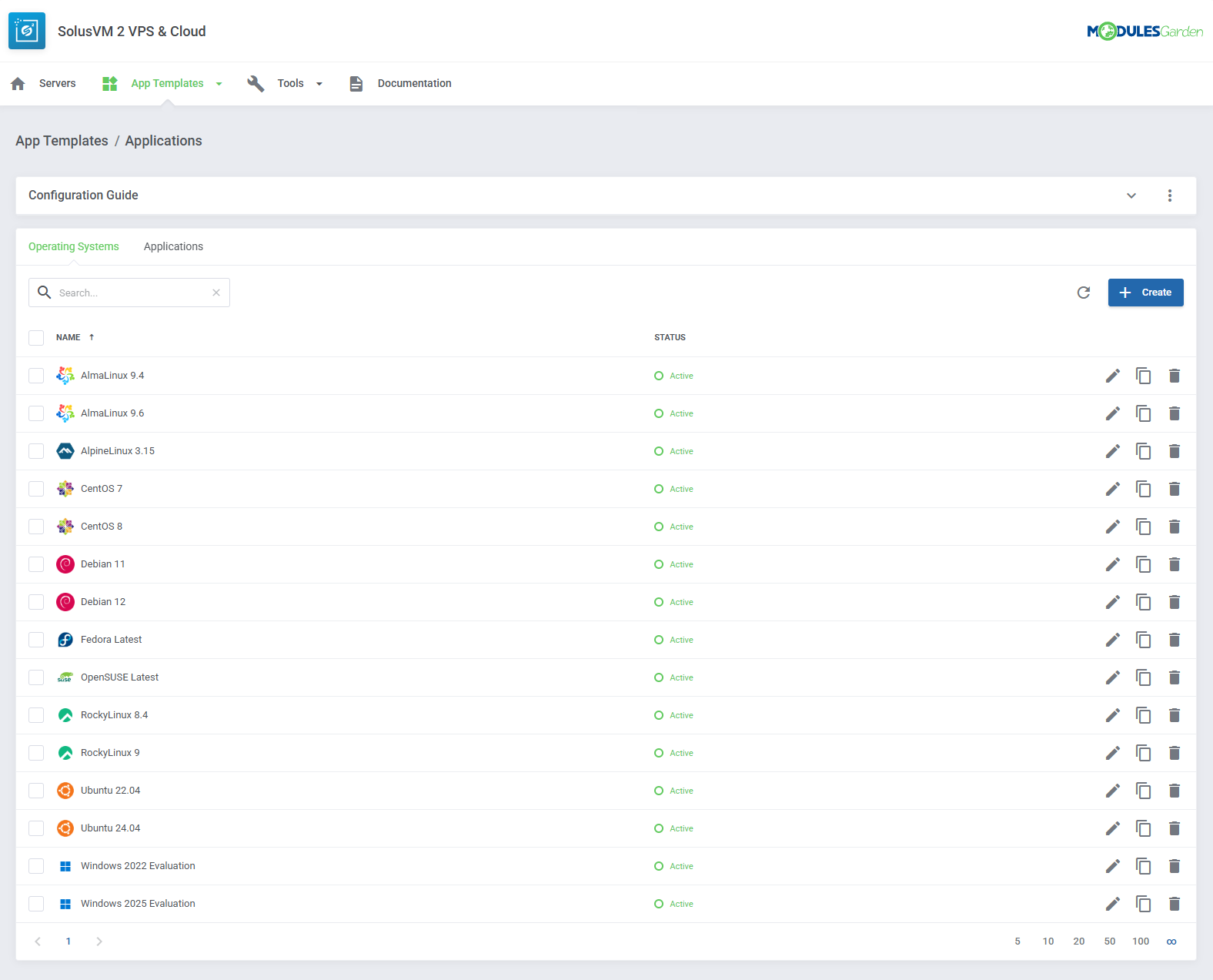
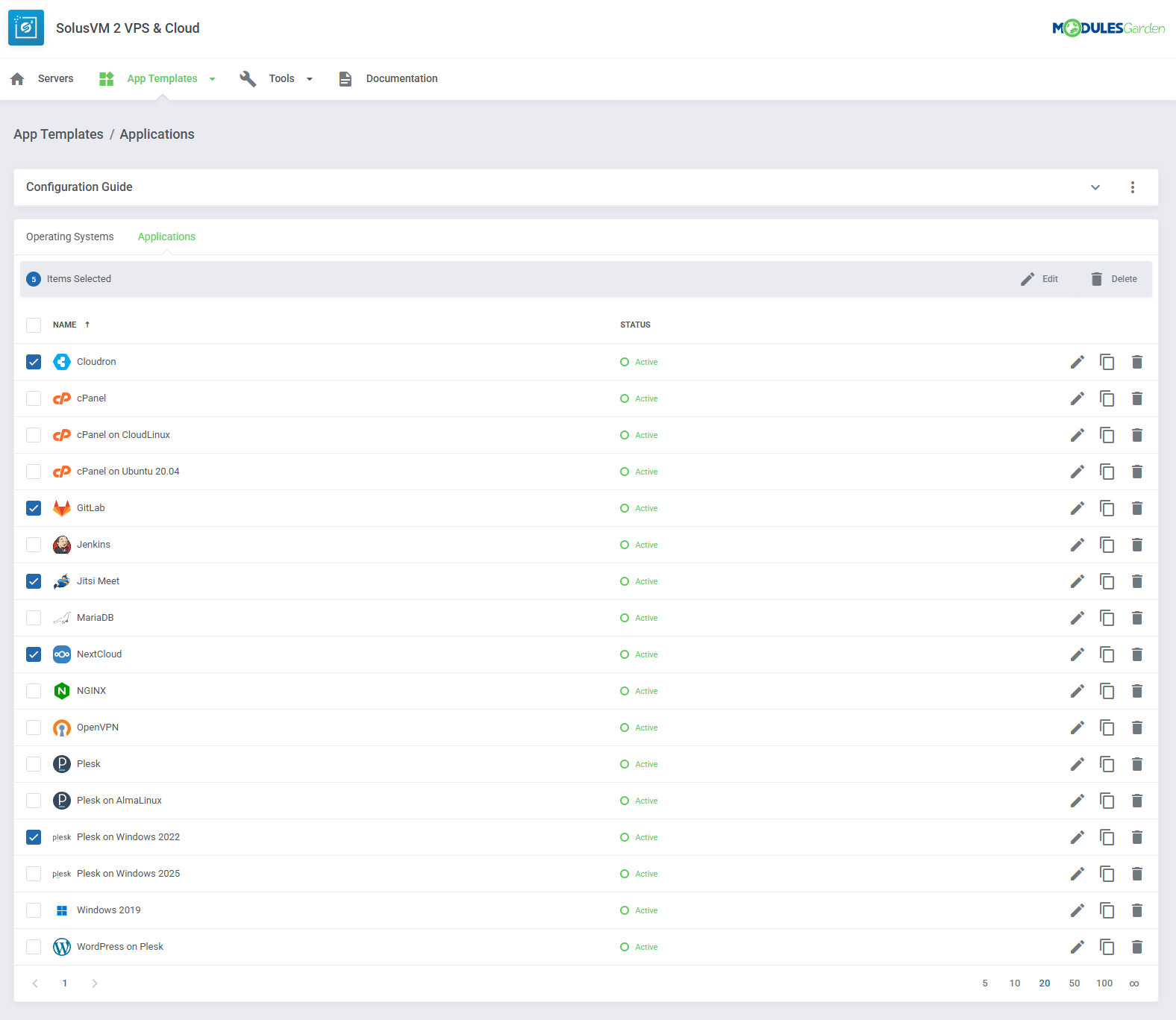
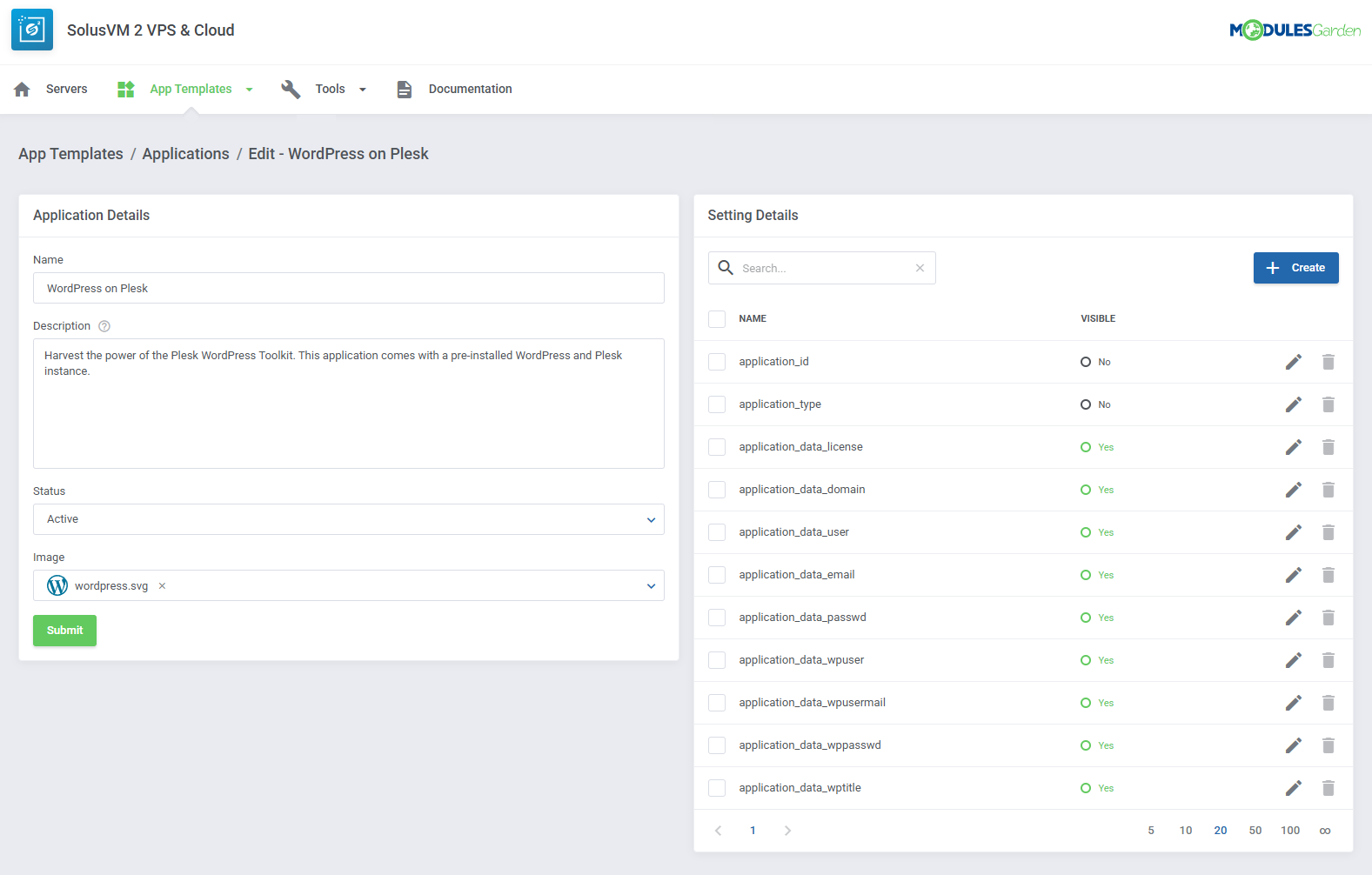
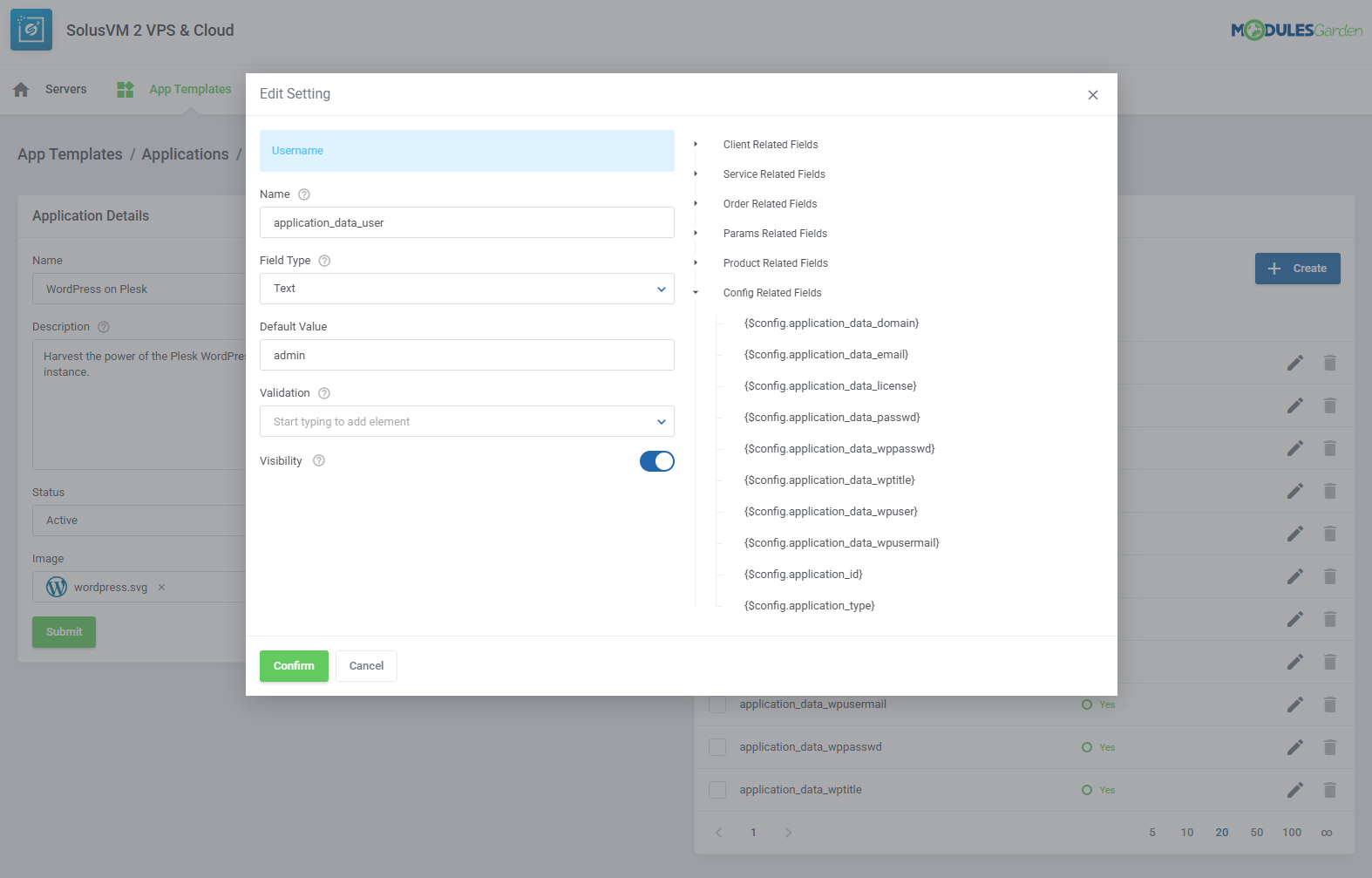
Completing the range of benefits, SolusVM 2 addon provides comprehensive control over your servers, IP addresses, and active accounts. It will help you keep an eye on the task queue, but also give you a flexible way to prepare operating systems and applications in advance, with custom descriptions, logotypes, and any extra parameters your clients might expect. For day-to-day operations, logs will offer you detailed insight into service activity, with structured entries and statistics that simplify monitoring and troubleshooting.
Move past restrictions and switch to an all-new way of provisioning virtual machines. SolusVM 2 VPS & Cloud For WHMCS will keep you always a step ahead of the competition, with your clients spoiled for choice!
Features
-
Admin Area
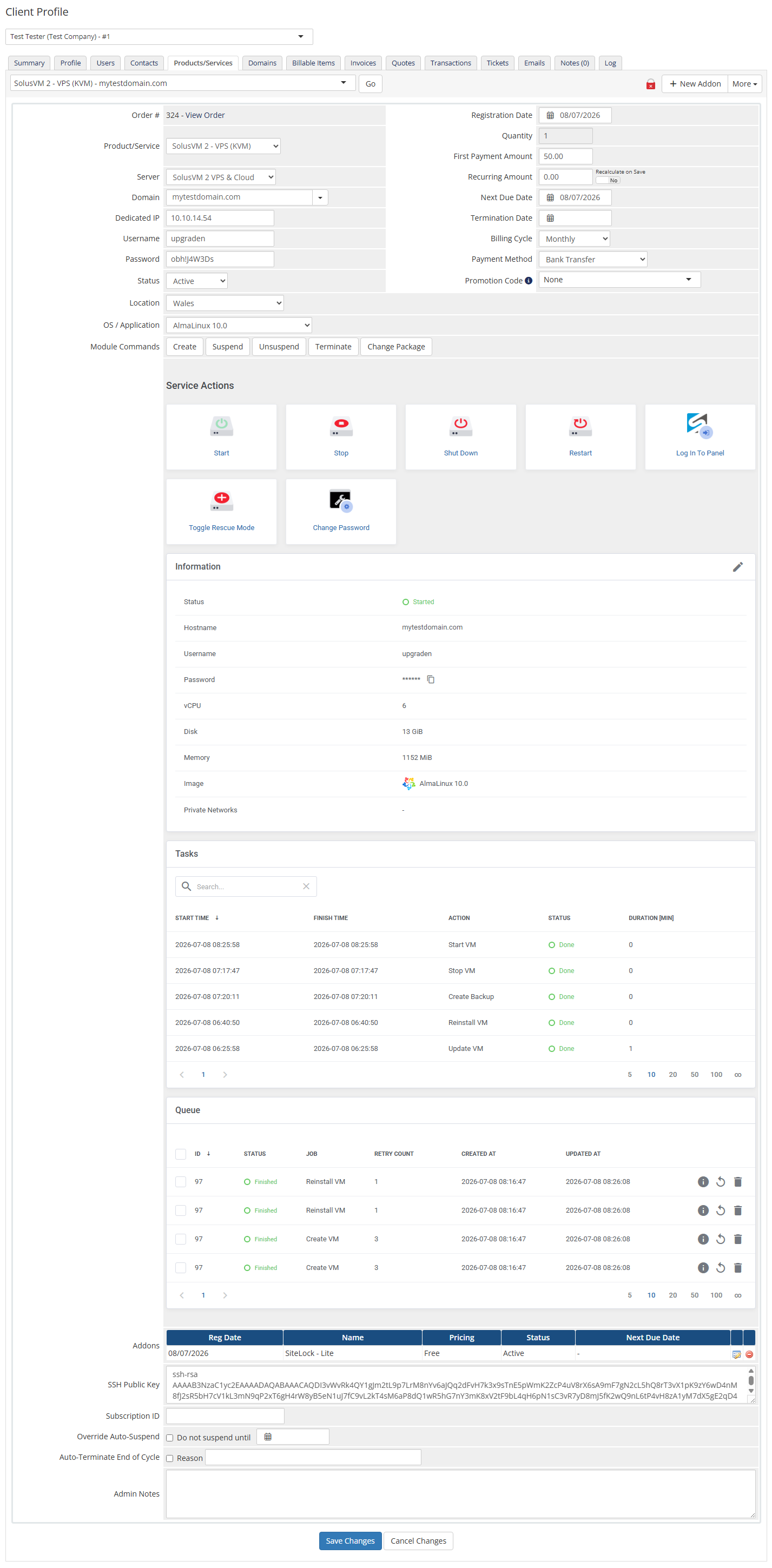
- Create/Suspend/Unsuspend/Terminate Server
- Change Package
- Change Password
- Import Virtual Machine (Cloud):
- Existing Virtual Machines
- From SolusVM 2.0 WHMCS Addon
- View Available Resources (Cloud)
- Start/Stop/Restart/Shut Down Servers
- Access noVNC Console
- Log In To SolusVM Panel (SSO)
- Toggle Rescue Mode
- View Server Status And Details
- View Scheduled And Completed Tasks
- View Queue
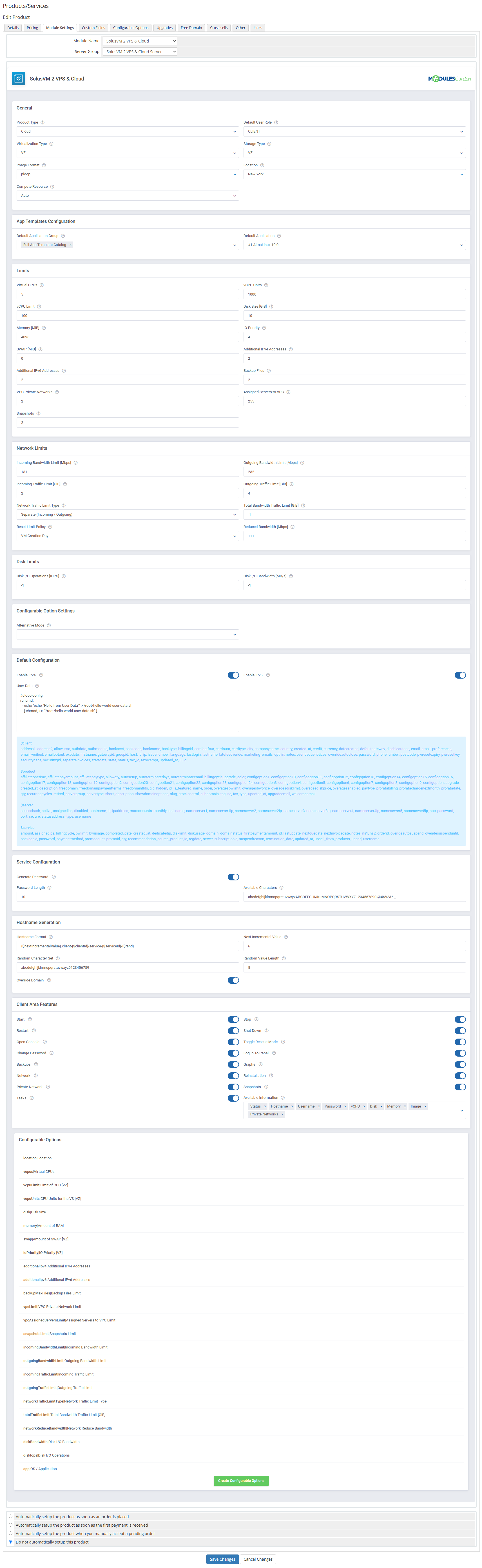
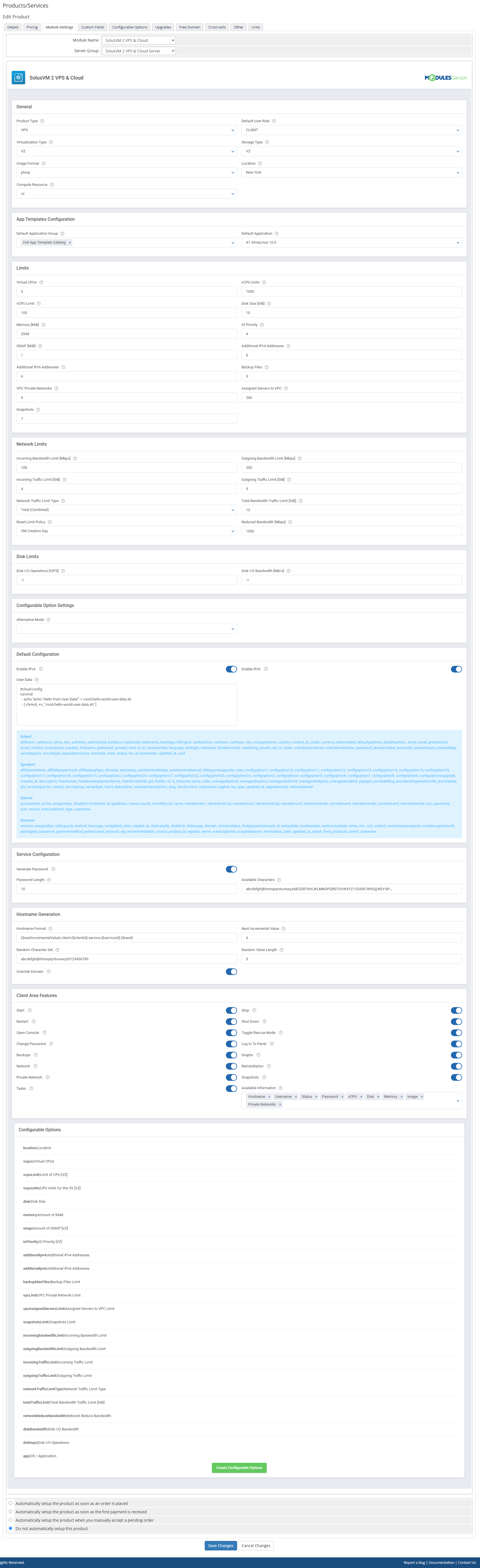
- Provide Product General Configuration:
- Select Product Type
- VPS - Provisioning Of Single Server Per Product
- Cloud - Provisioning Of Multiple Servers Per Single Product
- Select Virtualization Type:
- KVM
- VZ
- Define Image Format
- Select Compute Resource
- Select Default User Role
- Select Storage Type
- Select Server Location
- Select Product Type
- Select Default Application Group And Default Application
- Define Server Limits:
- Virtual CPUs
- vCPU Units [VZ]
- vCPU Limit [VZ]
- Disk Size (GiB)
- Memory (MiB)
- IO Priority [VZ]
- SWAP [MiB] [VZ]
- Additional IPv4 Addresses
- Additional IPv6 Addresses
- Backup Files
- VPC Private Network
- Assigned Servers to VPC
- Snapshots
- Define Network And Disk Limits:
- Incoming Bandwidth Limit (Mbps)
- Outgoing Bandwidth Limit (Mbps)
- Incoming Traffic Limit (GiB)
- Outgoing Traffic Limit (GiB)
- Network Traffic Limit Type:
- Total (Combined)
- Separate (Incoming / Outgoing)
- Total Bandwidth Traffic Limit [GiB]
- Reset Limit Policy
- Reduced Network Bandwidth (Mbps)
- Disk I/O Operations (IOPS)
- Disk I/O Bandwidth (MB/s)
- Define Default Server Configuration:
- Enable IPv4 And IPv6
- Provide User Data Script
- Select Default Operating System / Application
- Enable Random Password Generation:
- Provide Available Characters
- Define Password Length
- Configure Automatic Hostname Generation:
- Define Hostname Format Using Variables
- Set Next Incremental Value
- Define Random Character Set
- Define Random Value Length
- Override Domain
- Enable Access To Client Area Features:
- Start/Stop/Restart/Shut Down Server
- Open Console
- Toggle Rescue Mode
- Change Password
- Log In To Panel
- Backups
- Graphs
- Network
- Private Networks
- Reinstallation
- Snapshots
- Tasks
- Select Server Information Entries
- Configure Alternative Mode For Configurable Options
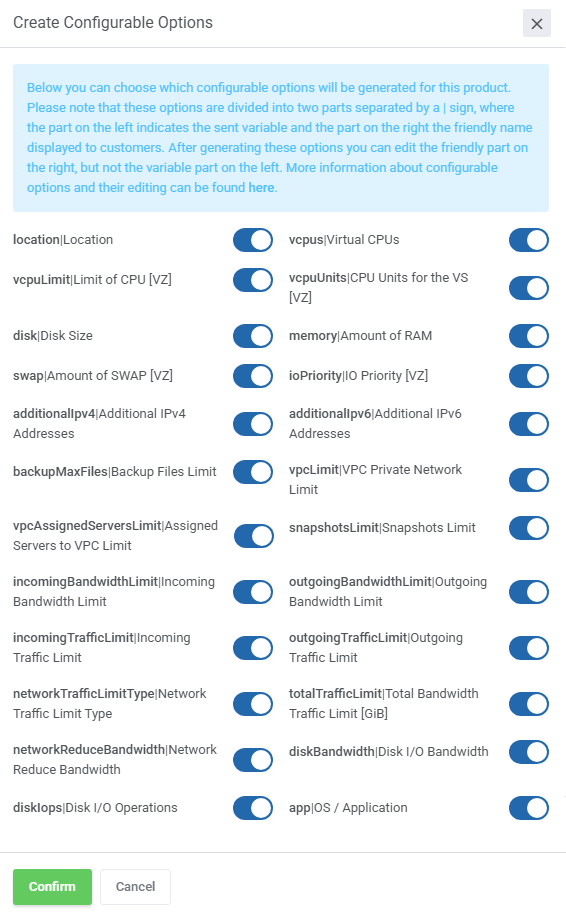
- Generate Configurable Options
-
Addon Module
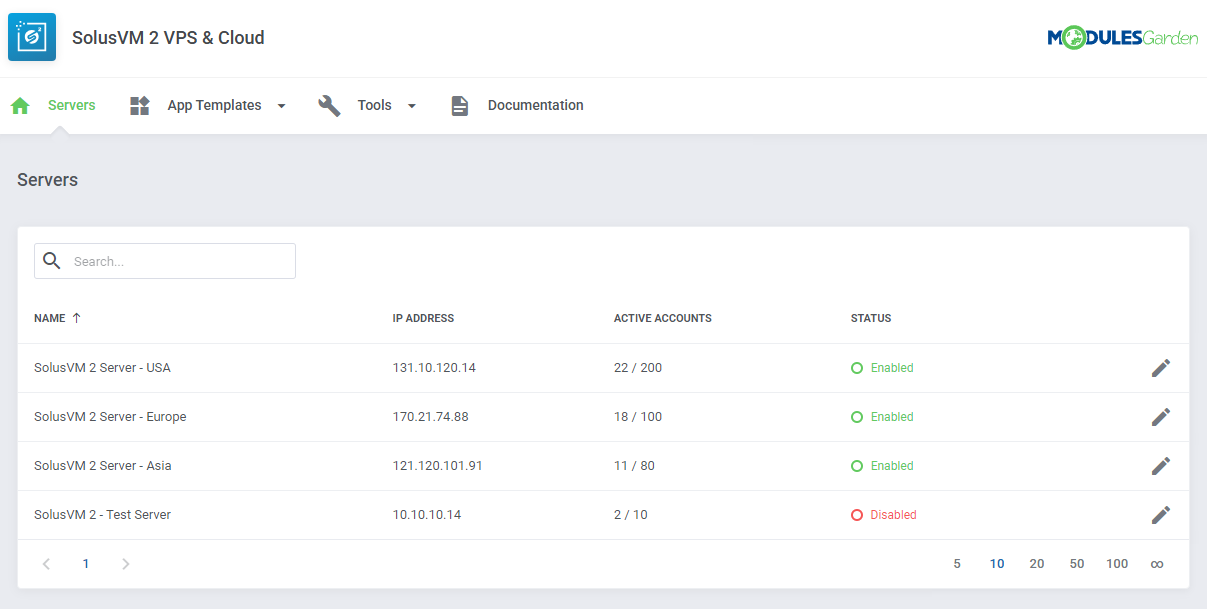
- View Server List With Details:
- IP Address
- Active Accounts
- Status
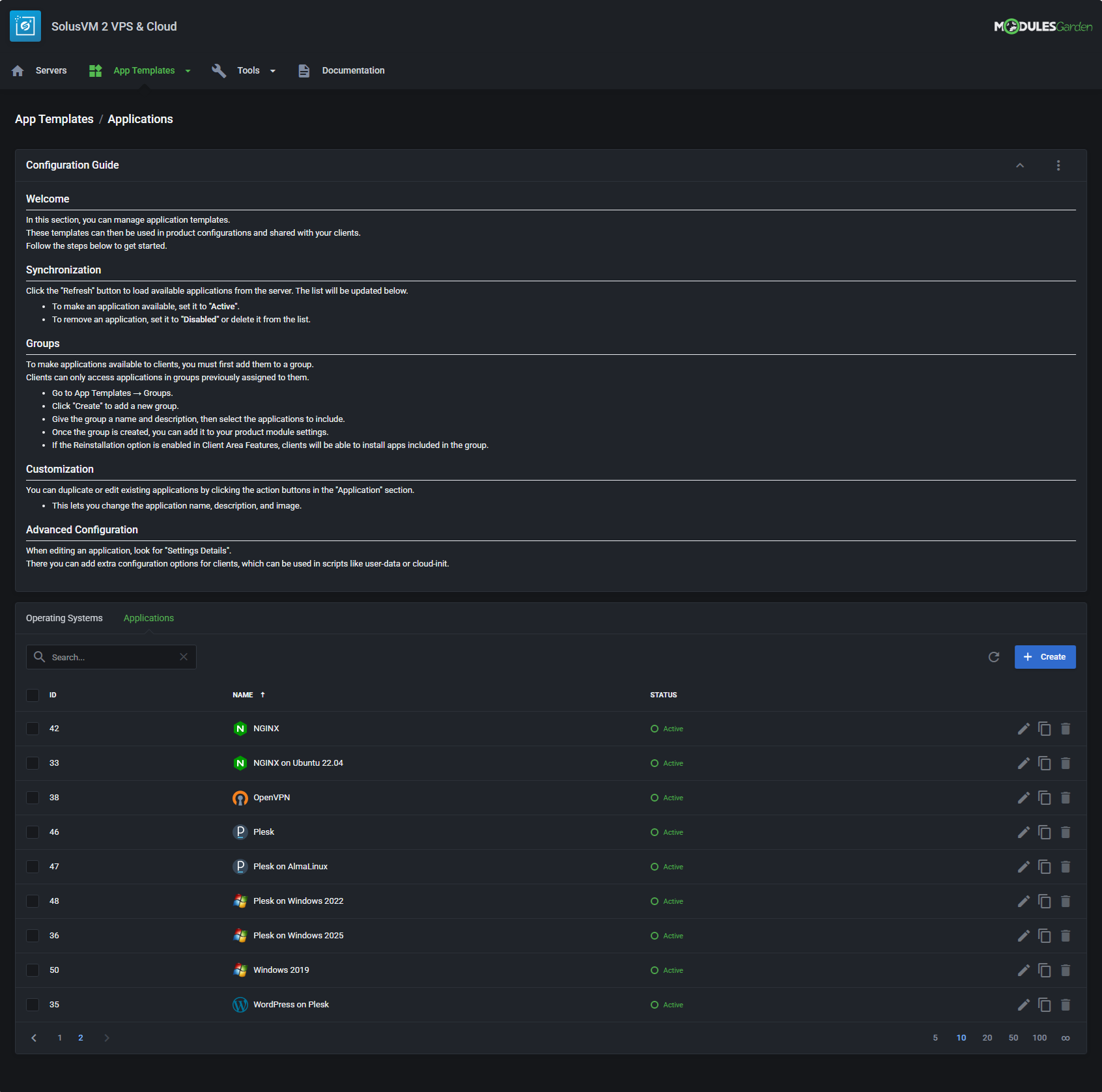
- Configure App Templates:
- Applications
- Operating Systems
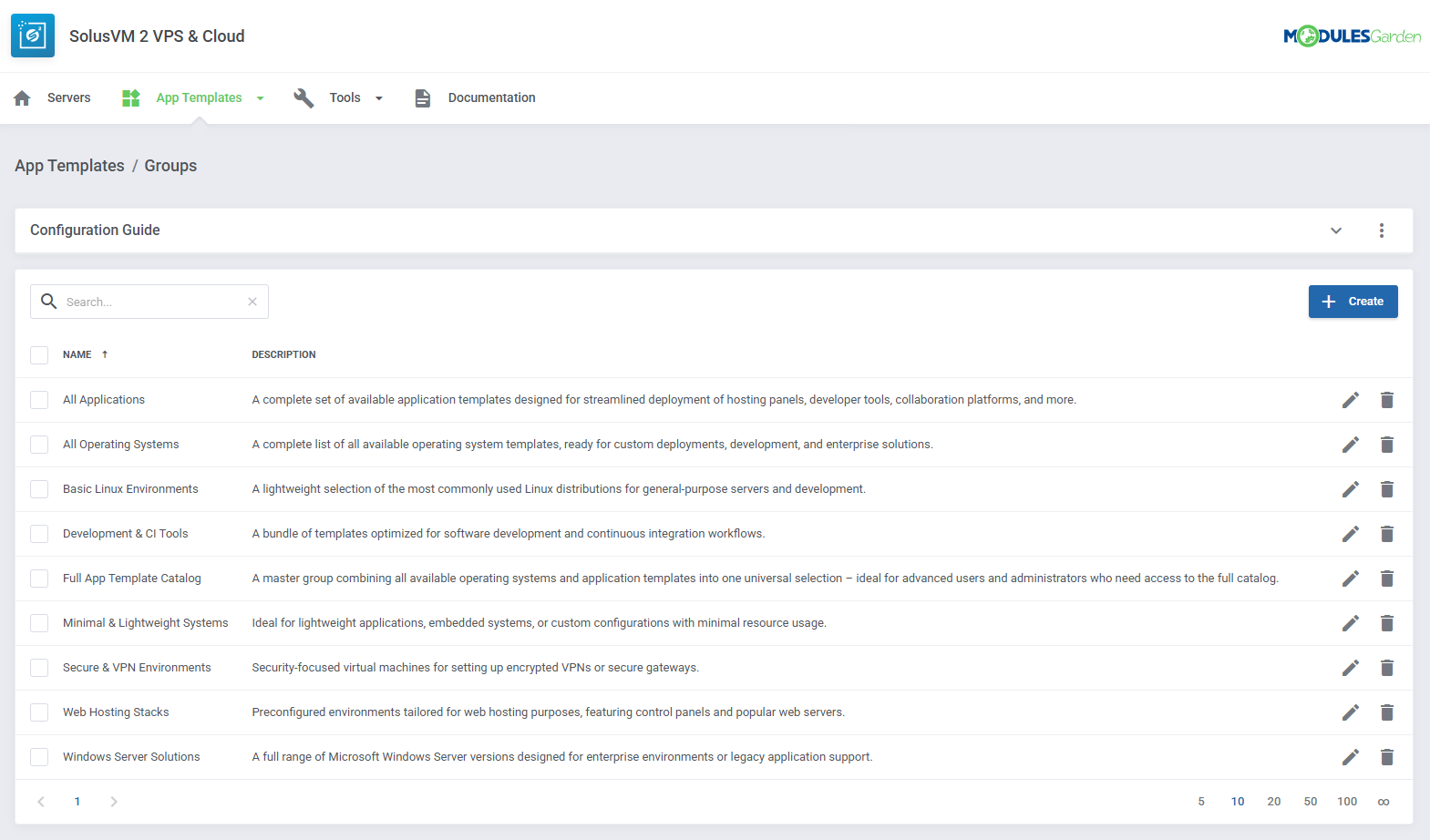
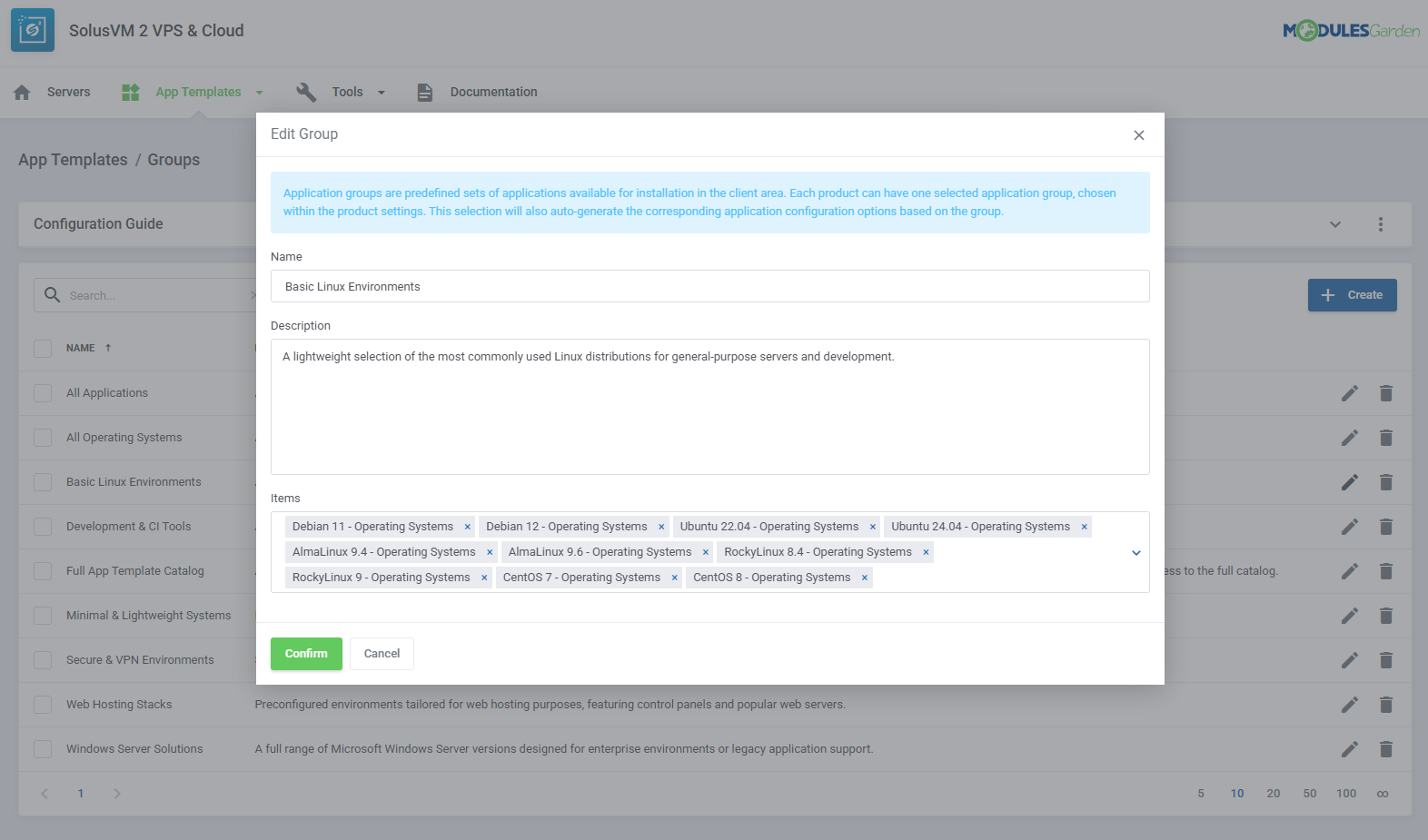
- Create Application Groups And Assign App Templates
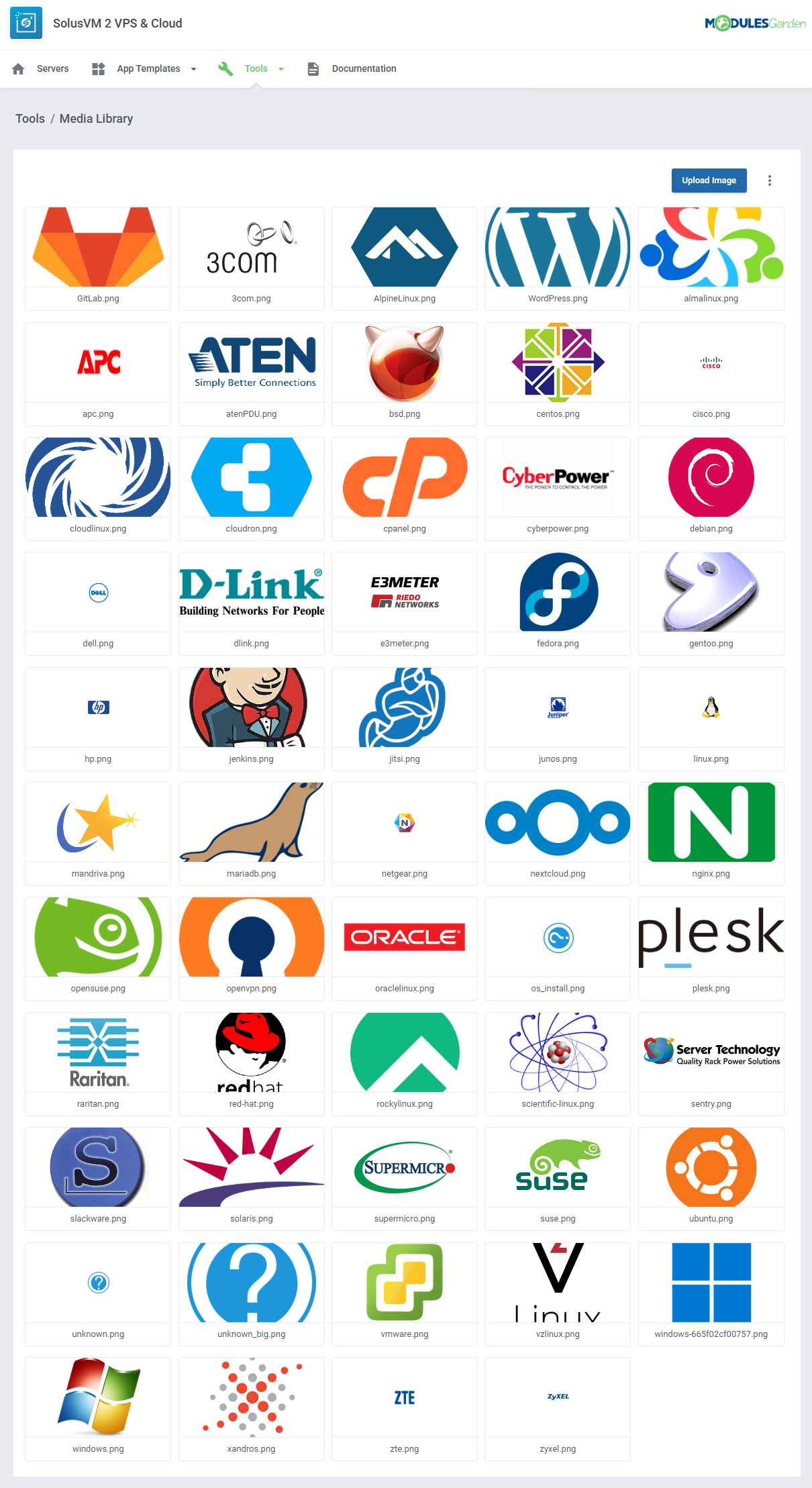
- Manage Media Library With Logotypes For App Templates
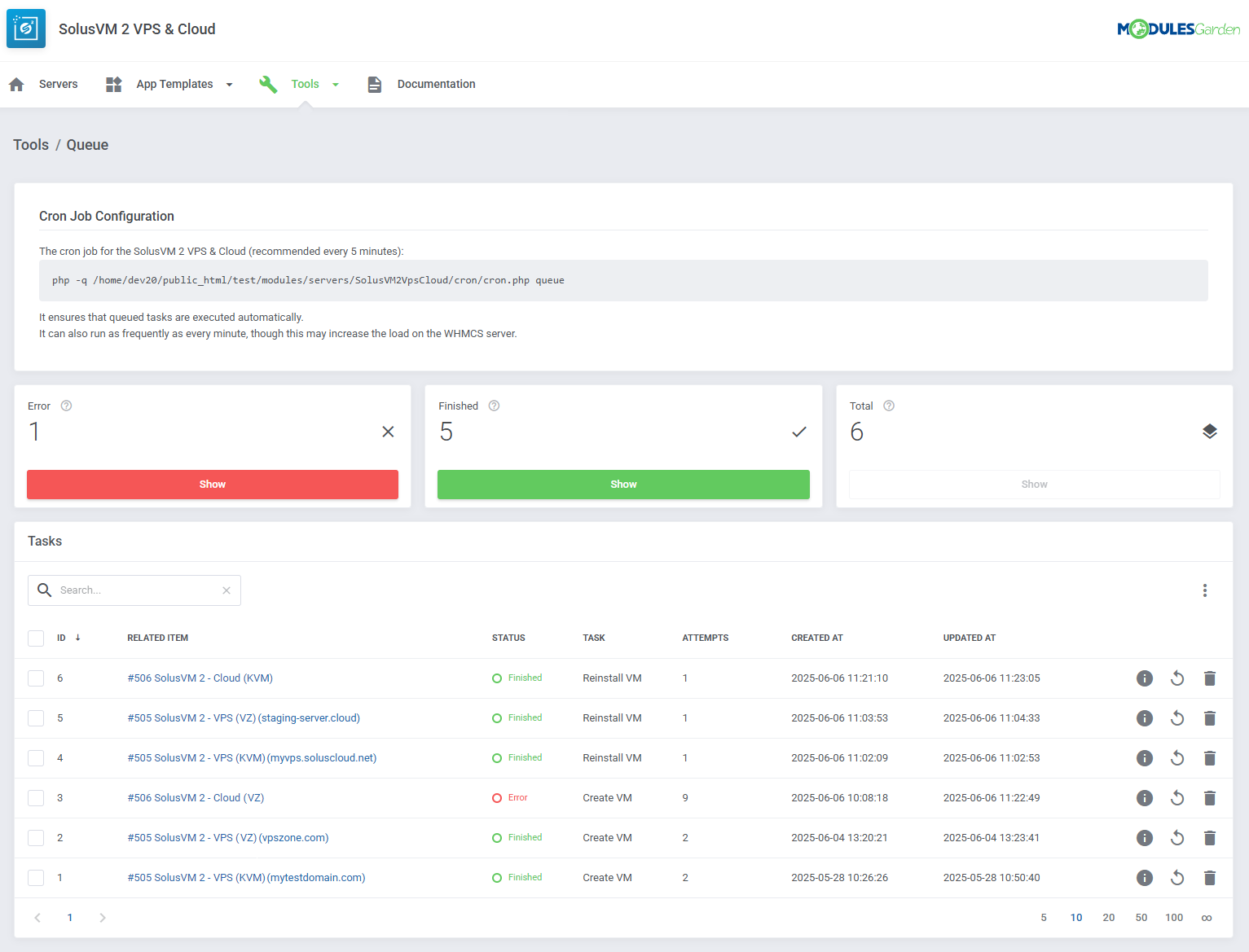
- View Queue Of Scheduled Tasks And Details
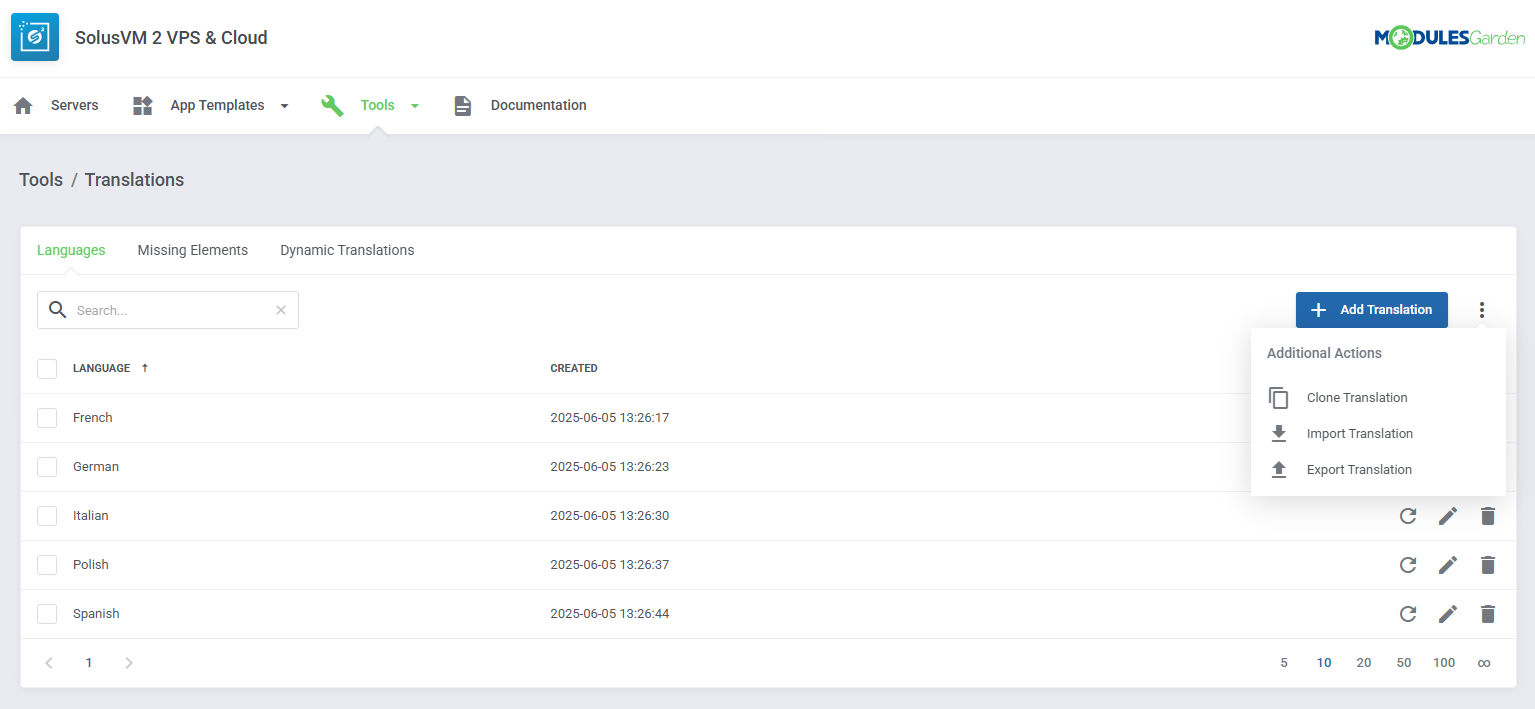
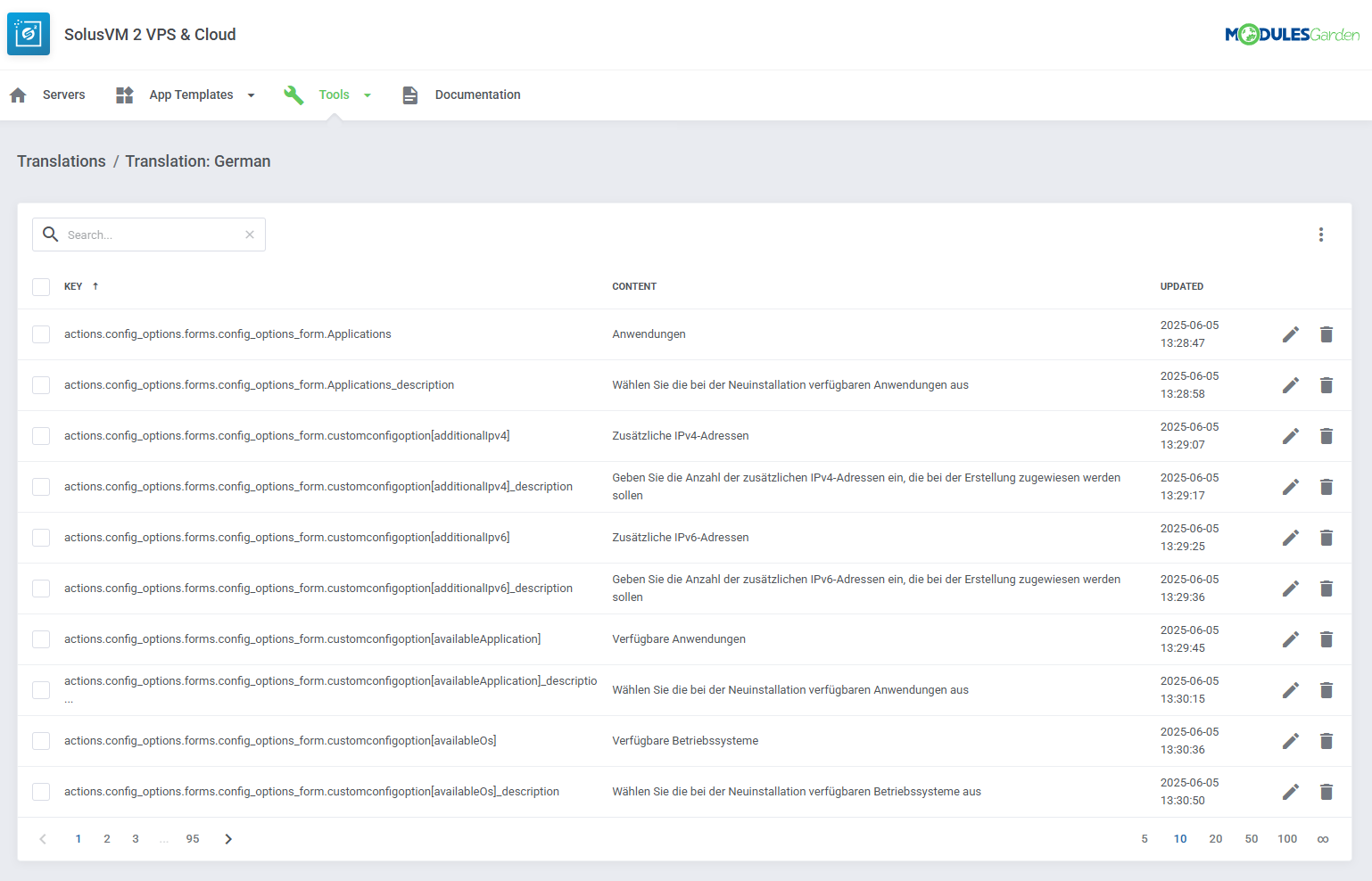
- Customize Module Language Files With "Translations" Tool
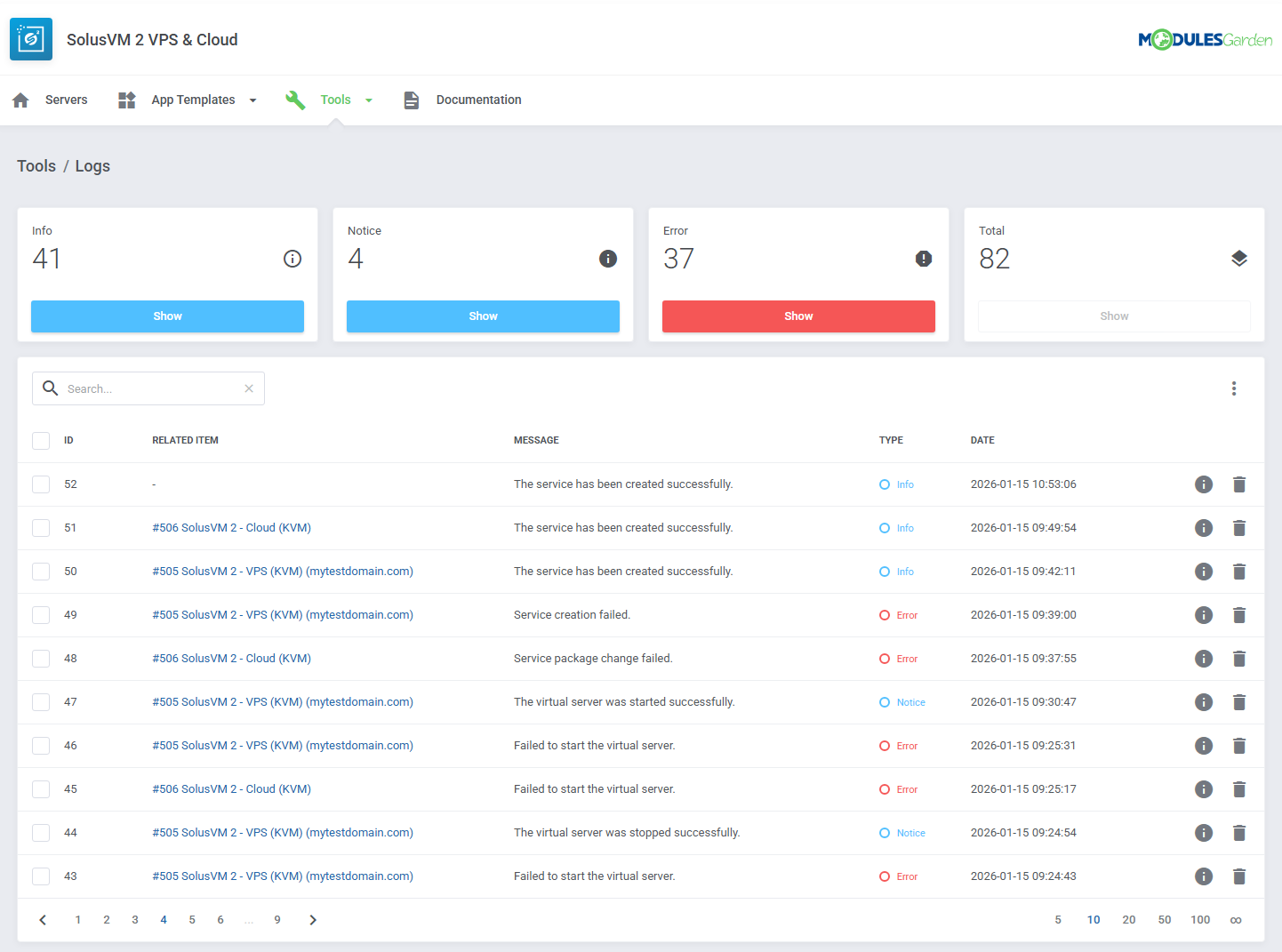
- View And Manage Logs
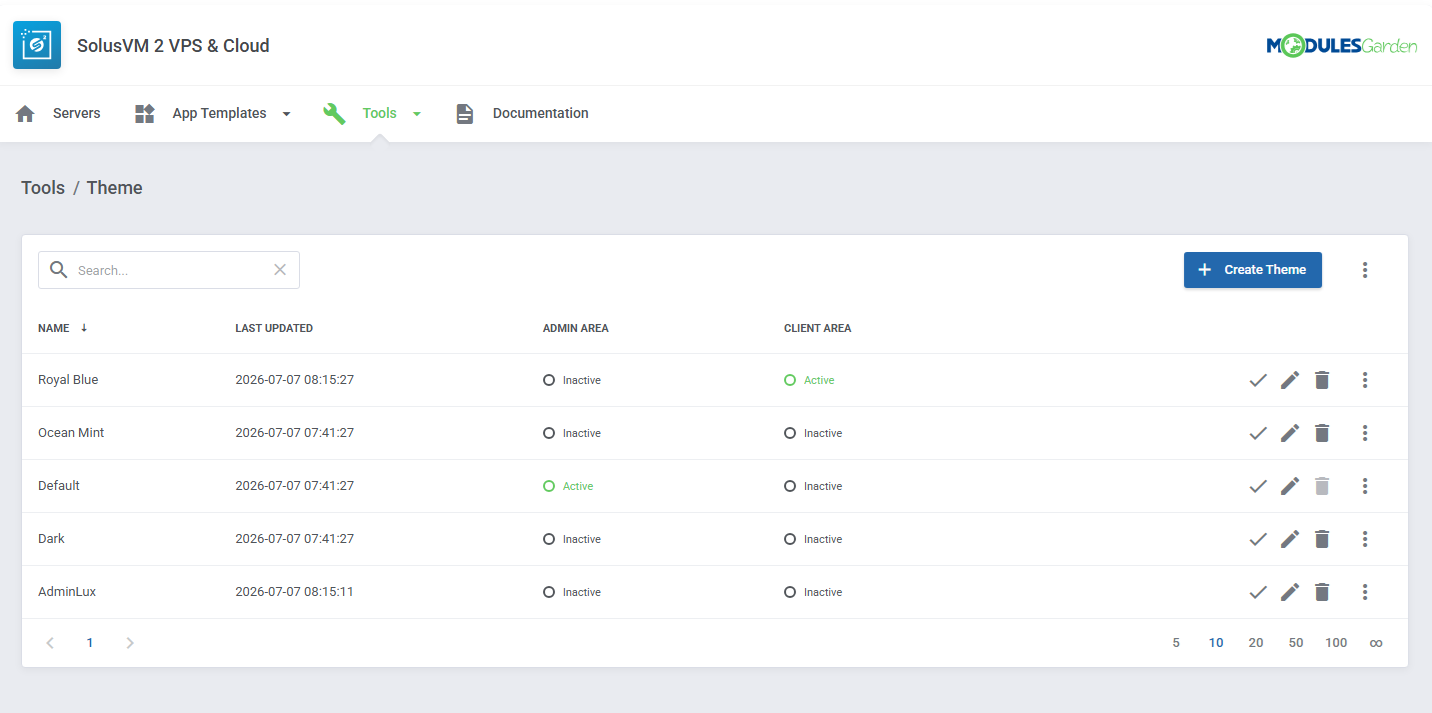
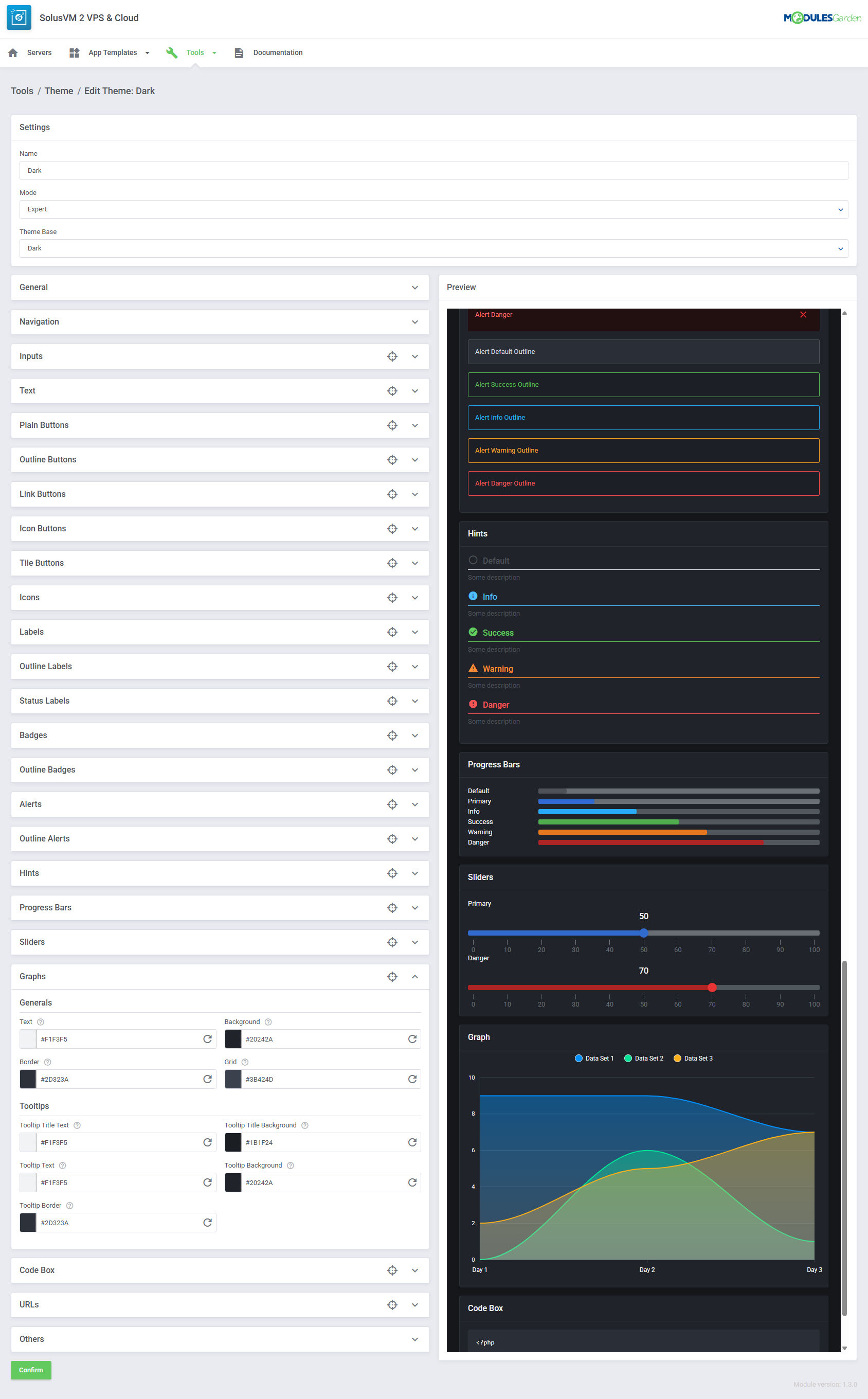
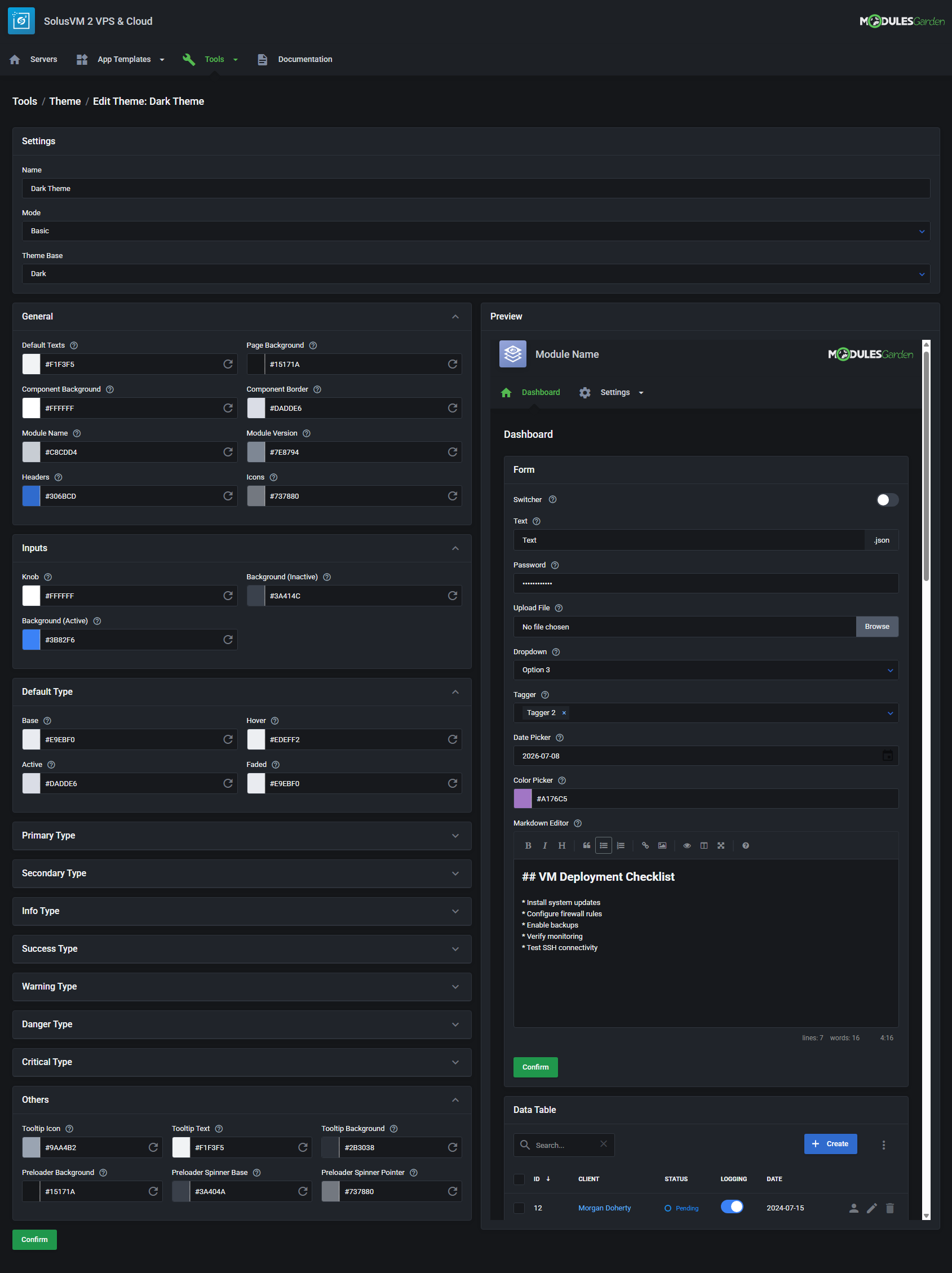
- Customize Module Interface With "Theme" Management Tool
- View Server List With Details:
-
Client Area
- Manage Single (VPS) Or Multiple (Cloud) Servers Per Product
- View Server Status And Details
- View Available Resources (Cloud)
- Start/Stop/Restart/Shut Down Servers
- Access noVNC Console
- Log In To SolusVM Panel (SSO)
- Toggle Rescue Mode
- Change Server Password
- Create/Manage/Restore Backups
- View Server Graphs:
- CPU Usage
- Disk Throughput
- Network Throughput
- Memory Usage
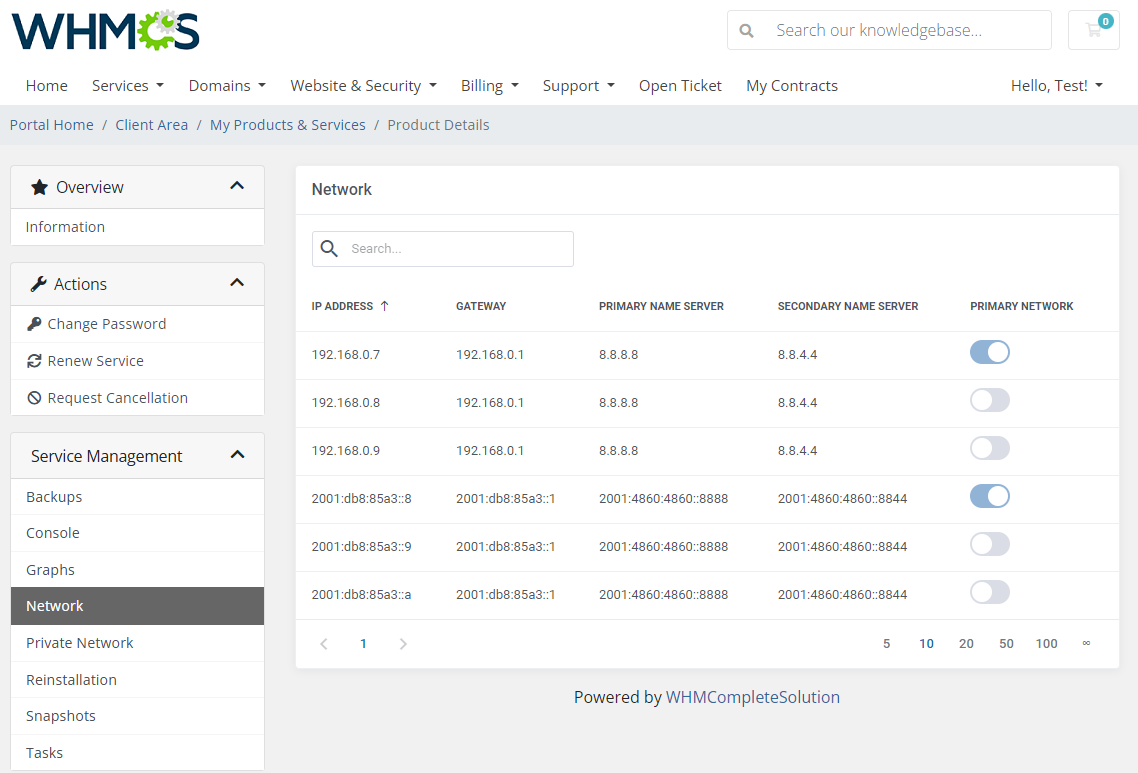
- View Network Details
- Create/Manage Private Networks
- Reinstall Server With Predefined Templates:
- Operating Systems
- Applications
- Create/Manage/Revert Snapshots
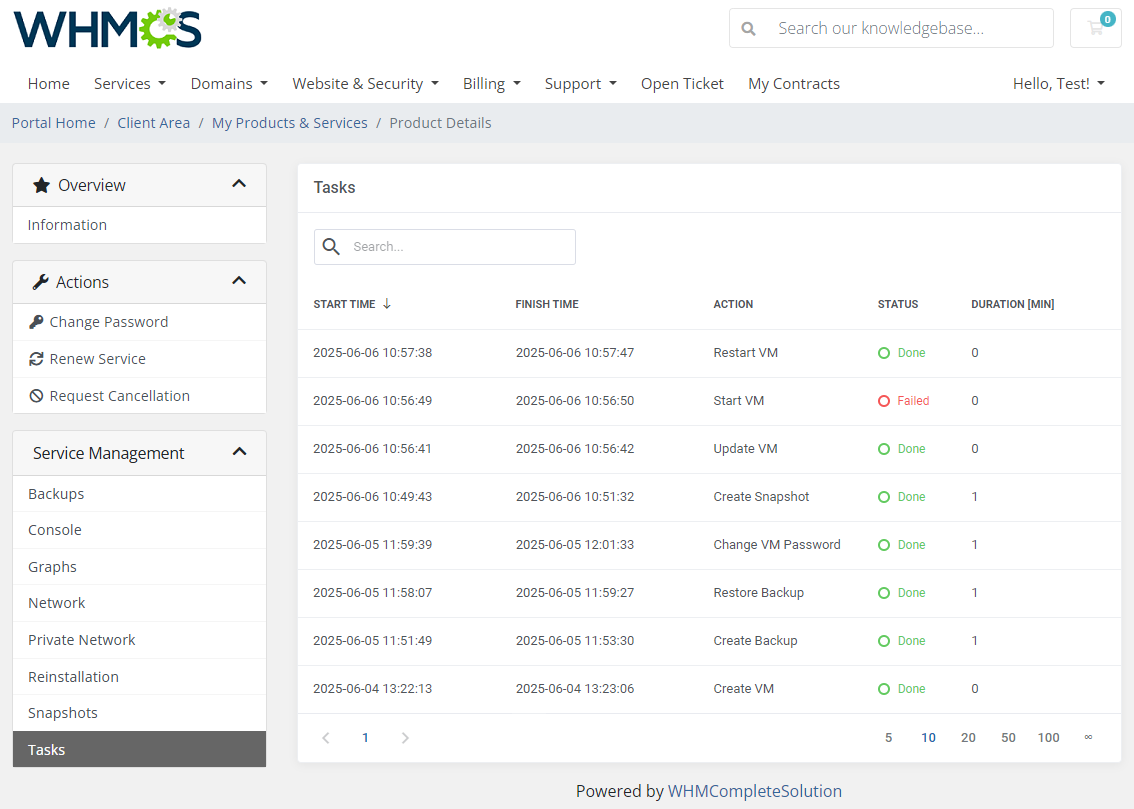
- View Scheduled And Completed Tasks
- Provide SSH Public Key For Server Creation
-
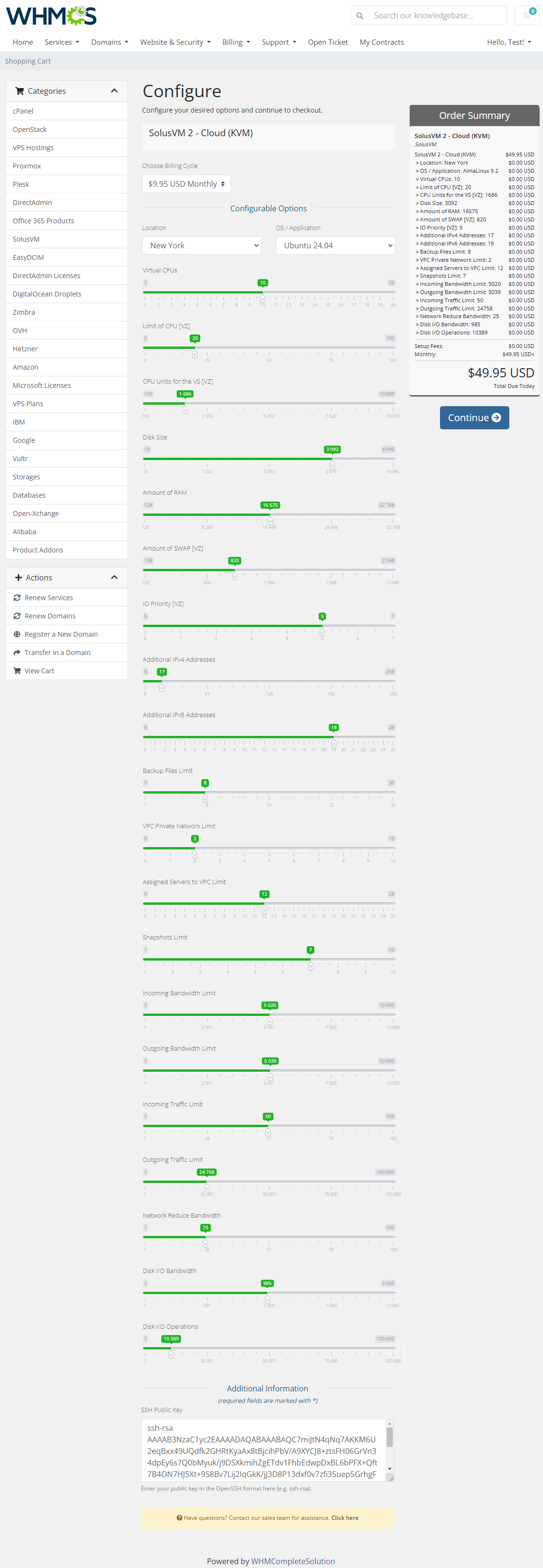
Configurable Options
- Location
- Virtual CPUs
- Limit of CPU [VZ]
- CPU Units for the VS [VZ]
- Disk Size
- Amount of RAM
- Amount of SWAP [VZ]
- IO Priority [VZ]
- Additional IPv4 Addresses
- Additional IPv6 Addresses
- Backup Files Limit
- VPC Private Network Limit
- Assigned Servers to VPC Limit
- Snapshots Limit
- Incoming Bandwidth Limit
- Outgoing Bandwidth Limit
- Incoming Traffic Limit
- Outgoing Traffic Limit
- Network Traffic Limit Type
- Total Bandwidth Traffic Limit [GiB]
- Network Reduced Bandwidth
- Disk I/O Bandwidth
- Disk I/O Operations
- OS / Application
-
General Info
- Multi-Language Support With Custom Translations Tool
- Supports PHP 8.3 Back To PHP 8.2
- Supports WHMCS Themes "Six", "Twenty-One", "Nexus " And "Lagom WHMCS Client Theme"
- Supports WHMCS V9.X Back To WHMCS V8.10
- Requires ionCube Loader V14 Or Later
- Easy Module Upgrade To Open Source Version
Changelog
v1.3.0
Released: Jul 8th, 2026- Implemented Theme management tool, allowing interface customization for the client and admin areas with a built-in officially supported Dark theme
- Added automatic hostname generation with support for custom patterns, variables, and random values - case #204, #178
- Added support for configuring separate (incoming/outgoing) or total network traffic limits for virtual servers - case #248
- Added "Alternative Mode" that allows configurable option values to be added to the base product configuration instead of replacing them - case #249, #199
- Added option to display the username in the Service Information section - case #196
- Restored missing values in client area graph tooltips
- Applied various minor code corrections across the module
v1.2.1
Released: Mar 31st, 2026- WHMCS "Nexus" theme support
- Corrected snapshot limit validation to allow package changes when the defined snapshot limit is reached but not exceeded - case #241
- Restored missing "Revert" action icon in the Snapshots section of the client area - case #240
- Eliminated "JSON ERROR: Syntax error" in task logs by properly handling API responses - case #239
v1.2.0
Released: Jan 21st, 2026- WHMCS V9.0 support
- Added "Logs" section to track log entries for related services with detailed information and statistics for each status
- Added "Disk Limits" configuration in the product module settings with corresponding configurable options - case #228
- Added "Network Limits" configuration with bandwidth and traffic limits, configurable options support, and "Resize VMs" task handling - case #206
- Added "Snapshots" limit setting to control the number of snapshots allowed per service, with corresponding configurable option support - case #201
- Improved backup availability display based on actual backup settings - case #225
- Added validation for all resource limits on Create and Change Package actions to prevent invalid or empty values - case #207
- Added requirements check to verify if the PHP 'fileinfo' extension is installed - case #200
- Added logic to automatically remove a user account after terminating the last associated virtual machine - case #91
- Improved service page view in the client area by blocking service actions during active tasks, while keeping the Information and Tasks tabs accessible depending on the task type - case #12
- Support for PHP 8.1 version
- Fixed issue where the operating system image in the Information section in the client area did not update after a system reinstallation - case #224
- Corrected behavior of the "Available Information" configuration, which, when left empty, caused all details in the client and admin areas to be hidden instead of showing all options - case #220
- Corrected client area error caused by an empty "Additional IPv6 Addresses" field in Cloud type products - case #203
- Resolved missing validation for Additional IPv4 and IPv6 addresses when adding a virtual machine - case #202
v1.1.2
Released: Sep 26th, 2025- Fixed service creation error "Email - The email has already been taken" if the user existed in Solus but not in WHMCS - case #221
v1.1.1
Released: Aug 22nd, 2025- Corrected error message in "App Templates" that referenced the wrong server name during the application refresh process - case #218
- Resolved critical "PDOException: Base table or view not found" SQL error that could occur when accessing the WHMCS addons configuration section - case #219
Reviews
-
Hosting Group (Daher Company) 7 months agoAmazing module with easy management!
-
Lukas Wenzl (Rekade International LTD) 2 years agoEven though the module is only in beta, it is simply convincing. It is easy to set up and understand.
The support team is very quick and attentive when there are teething problems.


